
Our Stakeholder

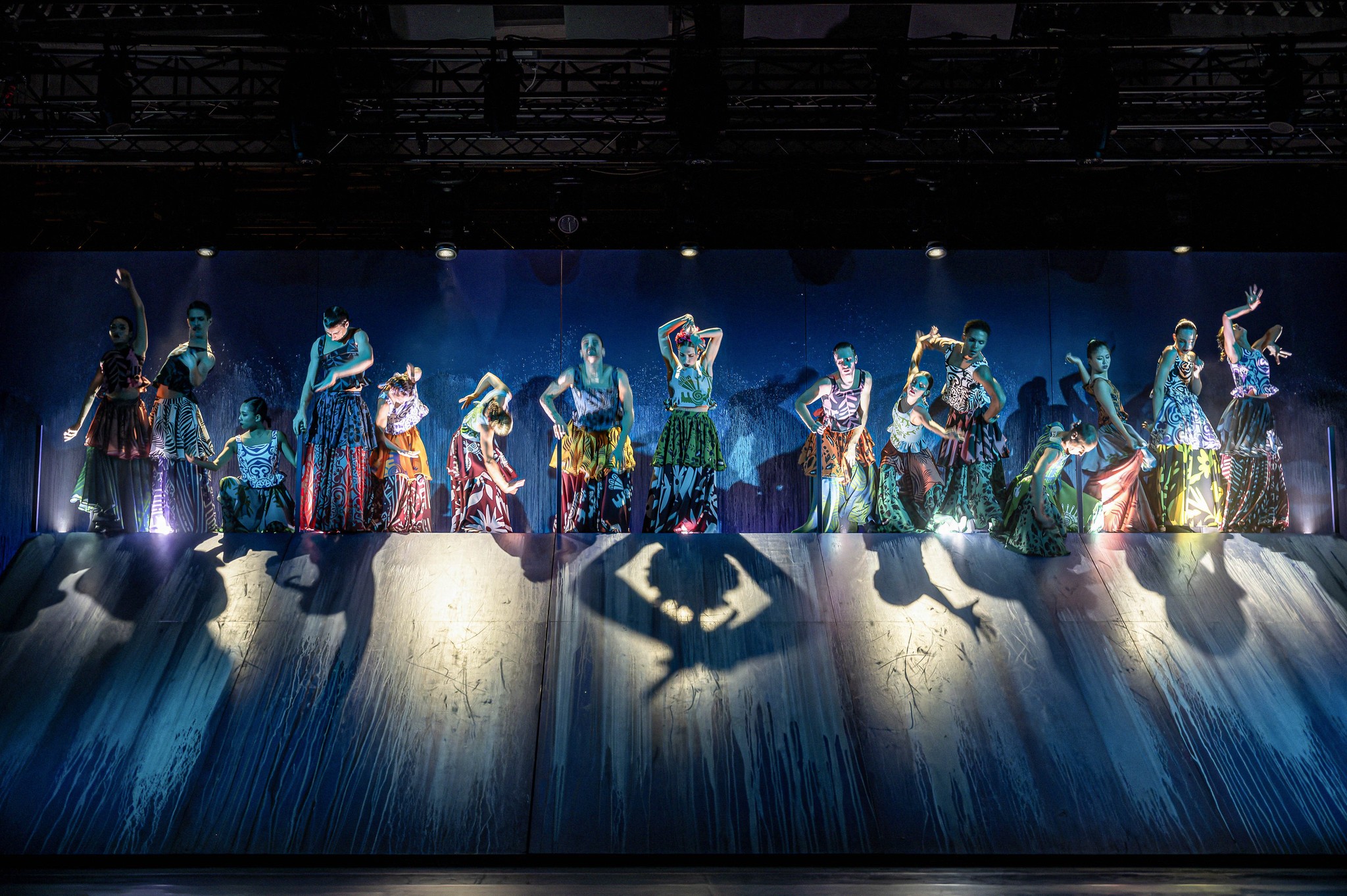
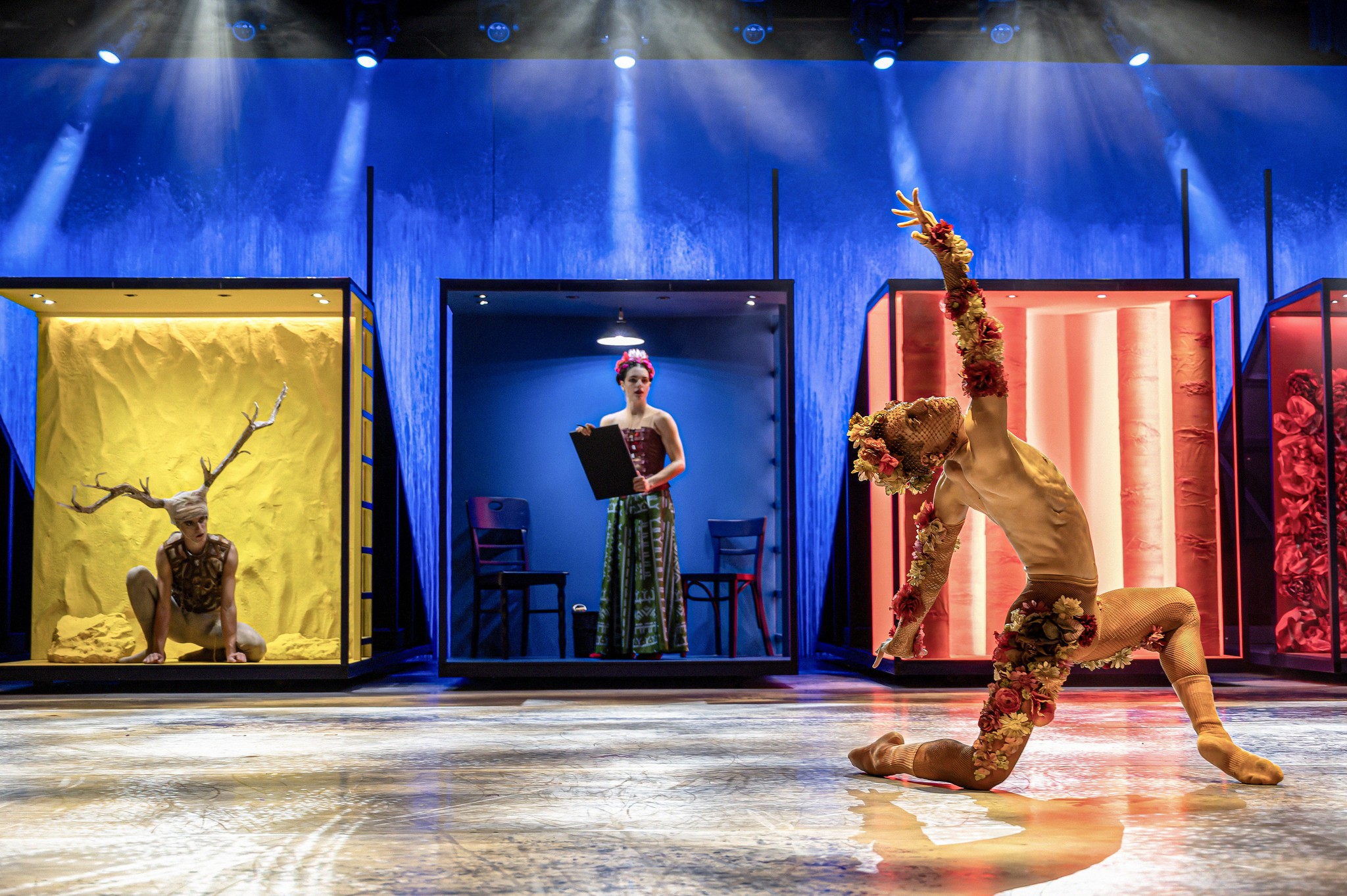
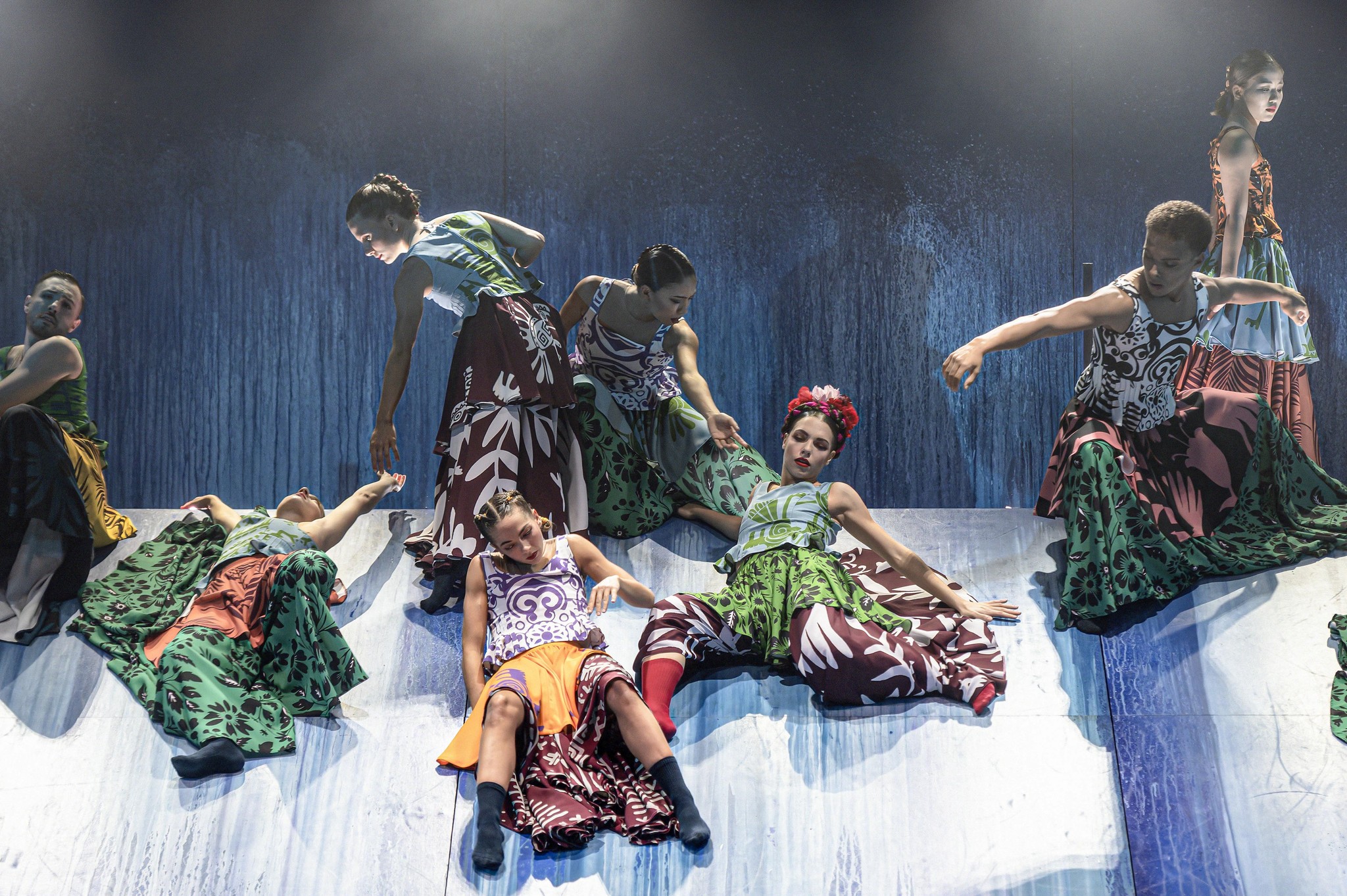
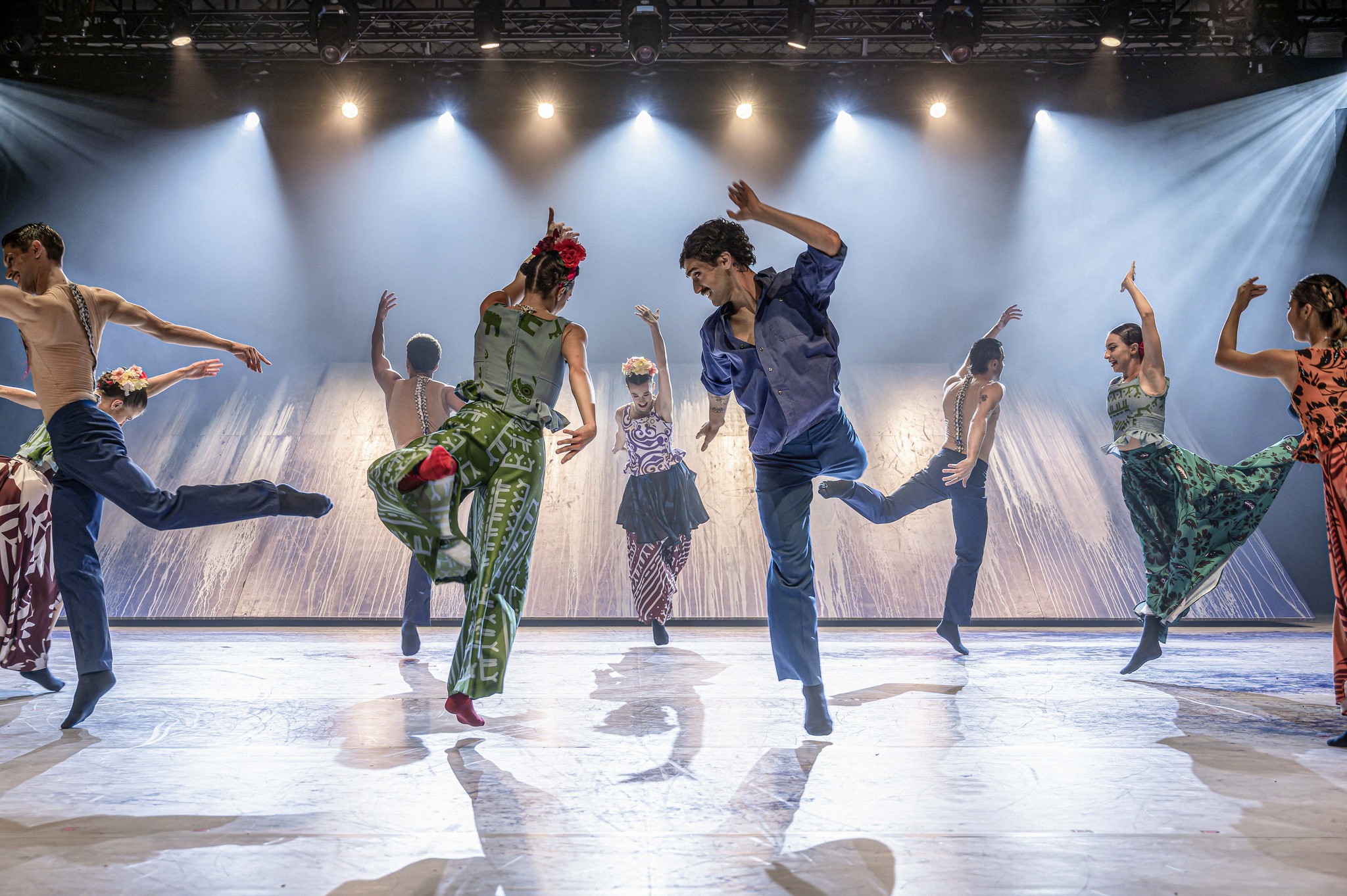
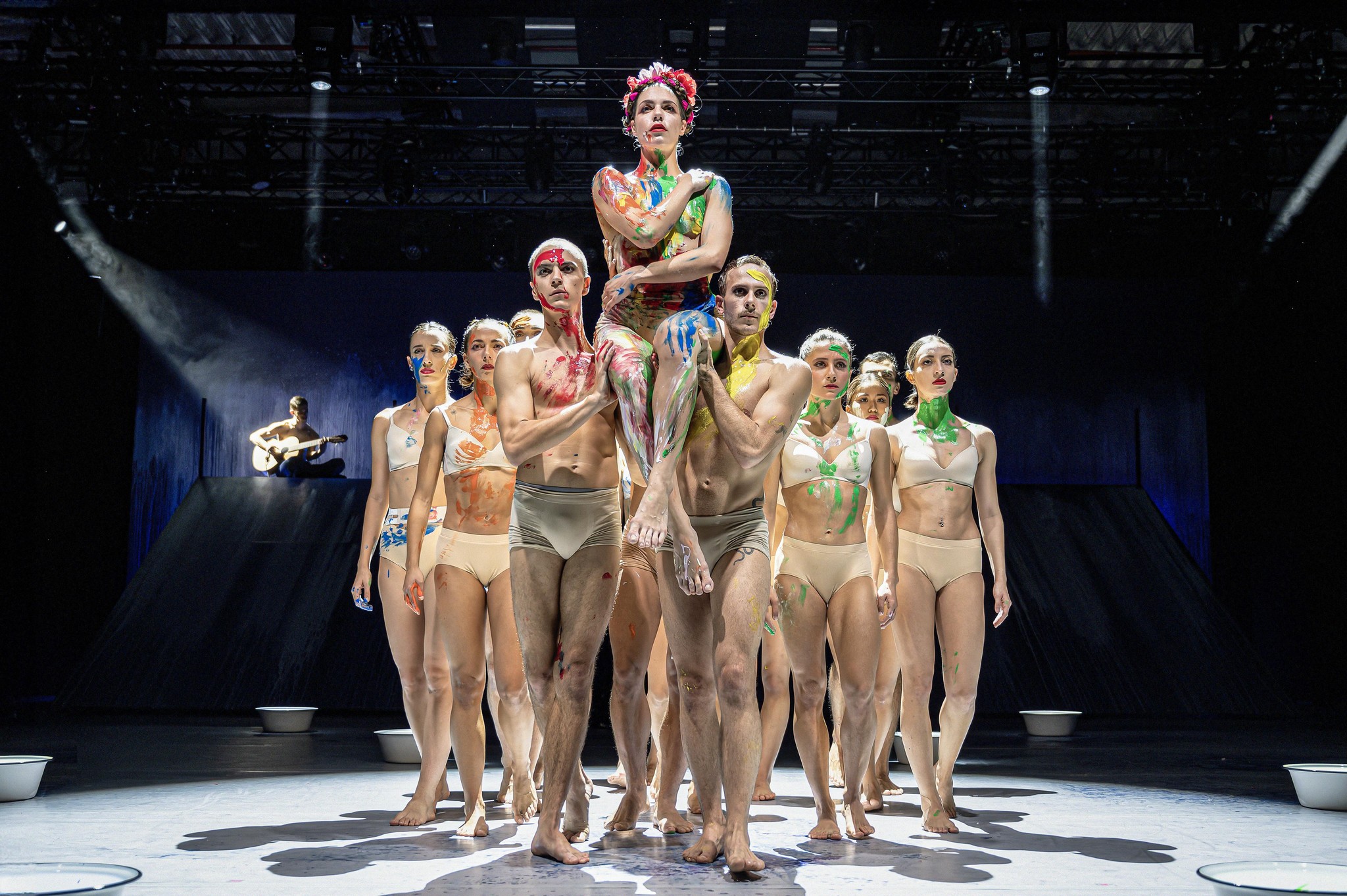
The Staatstheater Augsburg plans to expand their theater performances to the digital room of VR. As goggles are rented the customer is not able to keep any reminder of the VR experience after watching it. Therefore, a hybrid physical and digital souvenir customized to the VR-ballet “FRIDA” was developed. This ensures the user is able to keep memories about the experience and relive their emotional connection’s. 

Our Stakeholder

The Staatstheater Augsburg plans to expand their theater performances to the digital room of VR. As goggles are rented the customer is not able to keep any reminder of the VR experience after watching it. Therefore, a hybrid physical and digital souvenir customized to the VR-ballet “FRIDA” was developed. This ensures the user is able to keep memories about the experience and relive their emotional connection’s. 

Our Stakeholder

The Staatstheater Augsburg plans to expand their theater performances to the digital room of VR. As goggles are rented the customer is not able to keep any reminder of the VR experience after watching it. Therefore, a hybrid physical and digital souvenir customized to the VR-ballet “FRIDA” was developed. This ensures the user is able to keep memories about the experience and relive their emotional connection’s. 

Project Details

Project: Meet Frida – An Immersive AR Experience

Project Type:

Ongoing Masters Project.

I worked as a freelancer UX Designer for this app.

Overview:

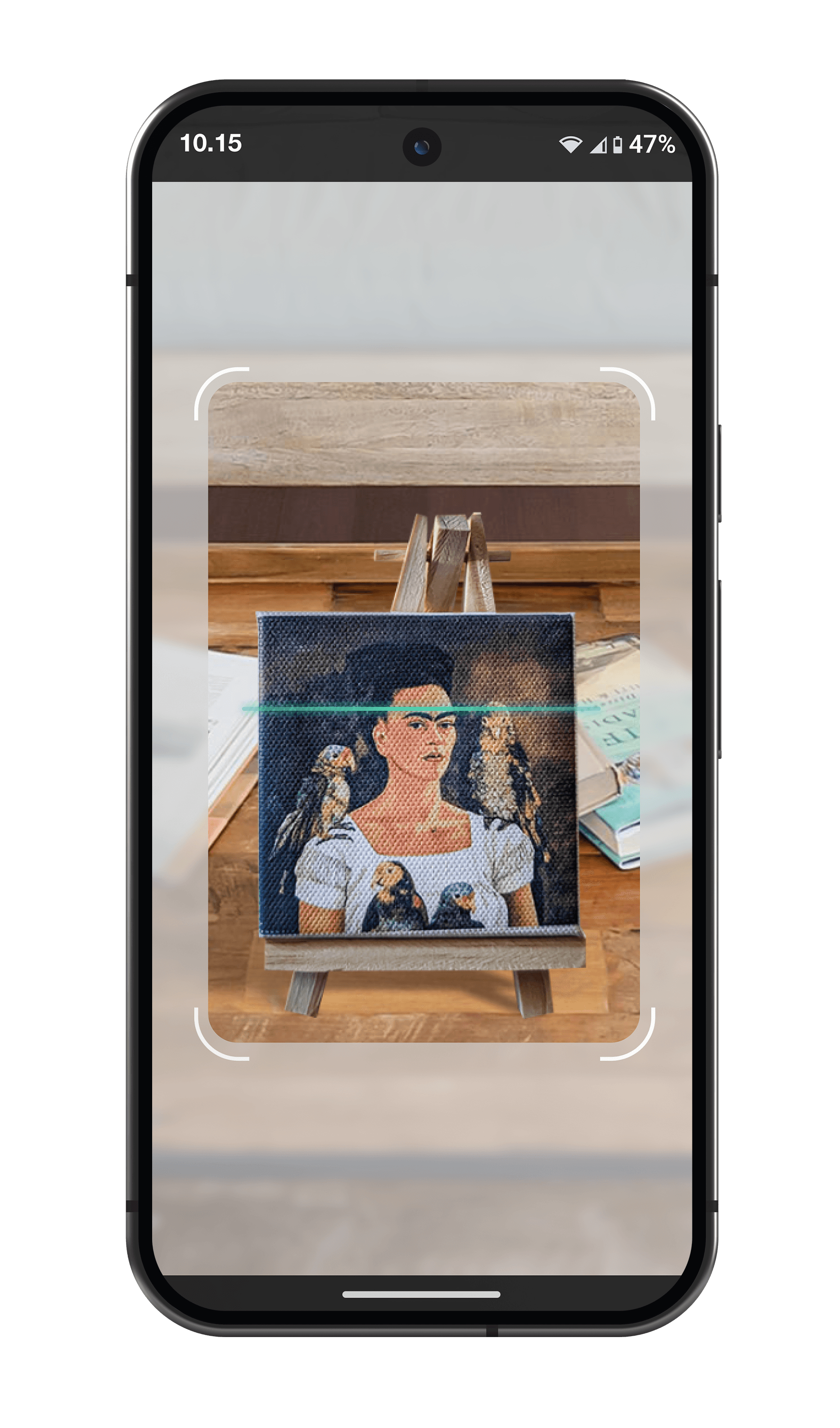
Meet Frida is an Augmented Reality (AR) experience that brings Frida Kahlo’s art and life story into users' spaces. By scanning a physical canvas with a phone, users can interact with Frida’s paintings, personal timelines, and 3D elements, creating a personalized exhibition in their environment.

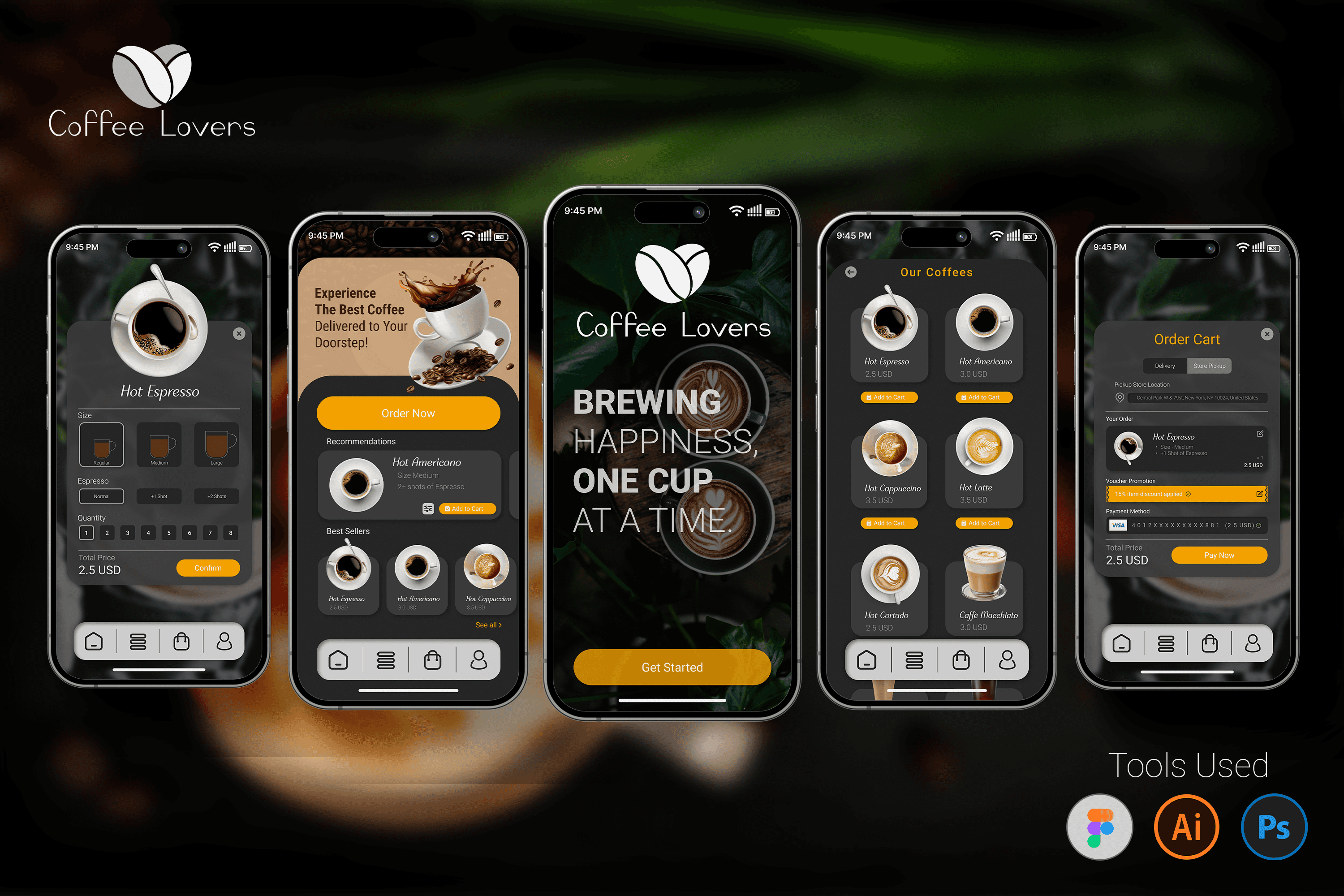
Improve the coffee-ordering experience by designing a user-friendly and visually appealing mobile app that allows users to order coffee for pickup, dine-in, or delivery seamlessly.

My Role:

I worked as a primary UX/UI Designer in this project.

Busy professionals, students, and coffee lovers looking for a fast, convenient, and hassle-free way to order coffee.

Contributions:

UX/UI Design, User Research, Usability Testing, Prototyping.

✔ Optimized user flow for a faster and more intuitive ordering process✔ Designed a modern and visually appealing UI for better user engagement✔ Enhanced usability and accessibility to improve the overall customer experience


Key Responsibilities:

✔ Conducted user research & usability testing to refine interactions

✔ Designed an intuitive, user-friendly AR experience based on testing feedback

✔ Created wireframes, and final HiFi prototype using tools like Figma and ProtoPie

✔ Focused on inclusive design for accessibility and engagement

User Research & Insights – Analyzing user behavior, pain points, and competitor apps to understand expectations.User Flow & Information Architecture – Structuring the app layout to ensure an efficient and logical navigation experience.Wireframing & Prototyping – Designing low-fidelity wireframes and high-fidelity interactive prototypes in Figma.UI Design & Branding – Crafting a sleek, modern, and visually appealing interface with a consistent design system.Usability Testing & Iterations – Conducting tests with users and refining the design based on feedback to ensure seamless interactions.


The Coffee Lovers app successfully delivers a smooth, engaging, and hassle-free coffee-ordering experience, making it easier for users to get their favorite brews anytime, anywhere.

Interactive Features

Engage with Frida’s world through immersive technology. Explore, listen, and capture unforgettable moments that bring her legacy to life.

3D Artwork Exploration

Immerse yourself in Frida Kahlo's masterpieces through a 3D interactive gallery. Zoom in, explore, and connect with her art like never before.

Audio Guide

Listen to Frida’s story unfold with immersive audio narration. Discover the inspirations behind her iconic works in vivid detail.

AR Photo Mode

Blend reality with art through augmented reality photo captures. Create personalized keepsakes while engaging with Frida’s legacy.

Interactive Features

Engage with Frida’s world through immersive technology. Explore, listen, and capture unforgettable moments that bring her legacy to life.

3D Artwork Exploration

Immerse yourself in Frida Kahlo's masterpieces through a 3D interactive gallery. Zoom in, explore, and connect with her art like never before.

Audio Guide

Listen to Frida’s story unfold with immersive audio narration. Discover the inspirations behind her iconic works in vivid detail.

AR Photo Mode

Blend reality with art through augmented reality photo captures. Create personalized keepsakes while engaging with Frida’s legacy.

Interactive Features

Engage with Frida’s world through immersive technology. Explore, listen, and capture unforgettable moments that bring her legacy to life.

3D Artwork Exploration

Immerse yourself in Frida Kahlo's masterpieces through a 3D interactive gallery. Zoom in, explore, and connect with her art like never before.

Audio Guide

Listen to Frida’s story unfold with immersive audio narration. Discover the inspirations behind her iconic works in vivid detail.

AR Photo Mode

Blend reality with art through augmented reality photo captures. Create personalized keepsakes while engaging with Frida’s legacy.

Our Design Thinking Process

1. Empathize – Understanding User Needs

✔ Conducted user research through interviews and observations to understand expectations for an AR experience. ✔ Identified pain points in art engagement—lack of accessibility, interactivity, and deeper storytelling. ✔ Considered inclusive design, ensuring accessibility for diverse users.

2. Define – Problem & Goals

Problem: Traditional art exhibitions lack immersive engagement, and users struggle to connect with paintings in a personal way. Goals: Create an intuitive AR experience that brings Frida Kahlo’s art to life, allowing users to explore her story in an interactive and accessible way.

3. Ideate – Concept Development

✔ Developed an AR-based storytelling approach with interactive paintings. ✔ Explored UI/UX solutions to make navigation intuitive and engaging. ✔ Brainstormed features like virtual exhibitions, life story timelines, and AR canvas scanning.

4. Prototype – Bringing Ideas to Life

✔ Created paper prototypes to test interaction flow. ✔ Developed a HiFi prototype in both Figma and ProtoPie, integrating AR interactions, navigation controls, and UI refinements. ✔ Ensured a user-friendly design with clear visual cues and instructions.

5. Test – Refinement & Usability

✔ Conducted user testing in two phases (paper prototype & HiFi prototype). ✔ Gathered feedback on interaction issues, navigation confusion, and AR usability. ✔ Iterated on UI improvements, back-button functionality, and placement indicators for AR paintings.

Ensured seamless interaction and engagement, making the final prototype intuitive, immersive, and accessible.

Our Design Thinking Process

1. Empathize – Understanding User Needs

✔ Conducted user research through interviews and observations to understand expectations for an AR experience. ✔ Identified pain points in art engagement—lack of accessibility, interactivity, and deeper storytelling. ✔ Considered inclusive design, ensuring accessibility for diverse users.

2. Define – Problem & Goals

Problem: Traditional art exhibitions lack immersive engagement, and users struggle to connect with paintings in a personal way. Goals: Create an intuitive AR experience that brings Frida Kahlo’s art to life, allowing users to explore her story in an interactive and accessible way.

3. Ideate – Concept Development

✔ Developed an AR-based storytelling approach with interactive paintings. ✔ Explored UI/UX solutions to make navigation intuitive and engaging. ✔ Brainstormed features like virtual exhibitions, life story timelines, and AR canvas scanning.

4. Prototype – Bringing Ideas to Life

✔ Created paper prototypes to test interaction flow. ✔ Developed a HiFi prototype in both Figma and ProtoPie, integrating AR interactions, navigation controls, and UI refinements. ✔ Ensured a user-friendly design with clear visual cues and instructions.

5. Test – Refinement & Usability

✔ Conducted user testing in two phases (paper prototype & HiFi prototype). ✔ Gathered feedback on interaction issues, navigation confusion, and AR usability. ✔ Iterated on UI improvements, back-button functionality, and placement indicators for AR paintings.

Ensured seamless interaction and engagement, making the final prototype intuitive, immersive, and accessible.

Our Design Thinking Process

1. Empathize – Understanding User Needs

✔ Conducted user research through interviews and observations to understand expectations for an AR experience. ✔ Identified pain points in art engagement—lack of accessibility, interactivity, and deeper storytelling. ✔ Considered inclusive design, ensuring accessibility for diverse users.

2. Define – Problem & Goals

Problem: Traditional art exhibitions lack immersive engagement, and users struggle to connect with paintings in a personal way. Goals: Create an intuitive AR experience that brings Frida Kahlo’s art to life, allowing users to explore her story in an interactive and accessible way.

3. Ideate – Concept Development

✔ Developed an AR-based storytelling approach with interactive paintings. ✔ Explored UI/UX solutions to make navigation intuitive and engaging. ✔ Brainstormed features like virtual exhibitions, life story timelines, and AR canvas scanning.

4. Prototype – Bringing Ideas to Life

✔ Created paper prototypes to test interaction flow. ✔ Developed a HiFi prototype in both Figma and ProtoPie, integrating AR interactions, navigation controls, and UI refinements. ✔ Ensured a user-friendly design with clear visual cues and instructions.

5. Test – Refinement & Usability

✔ Conducted user testing in two phases (paper prototype & HiFi prototype). ✔ Gathered feedback on interaction issues, navigation confusion, and AR usability. ✔ Iterated on UI improvements, back-button functionality, and placement indicators for AR paintings.

Ensured seamless interaction and engagement, making the final prototype intuitive, immersive, and accessible.

Stakeholder's Initial Feedback

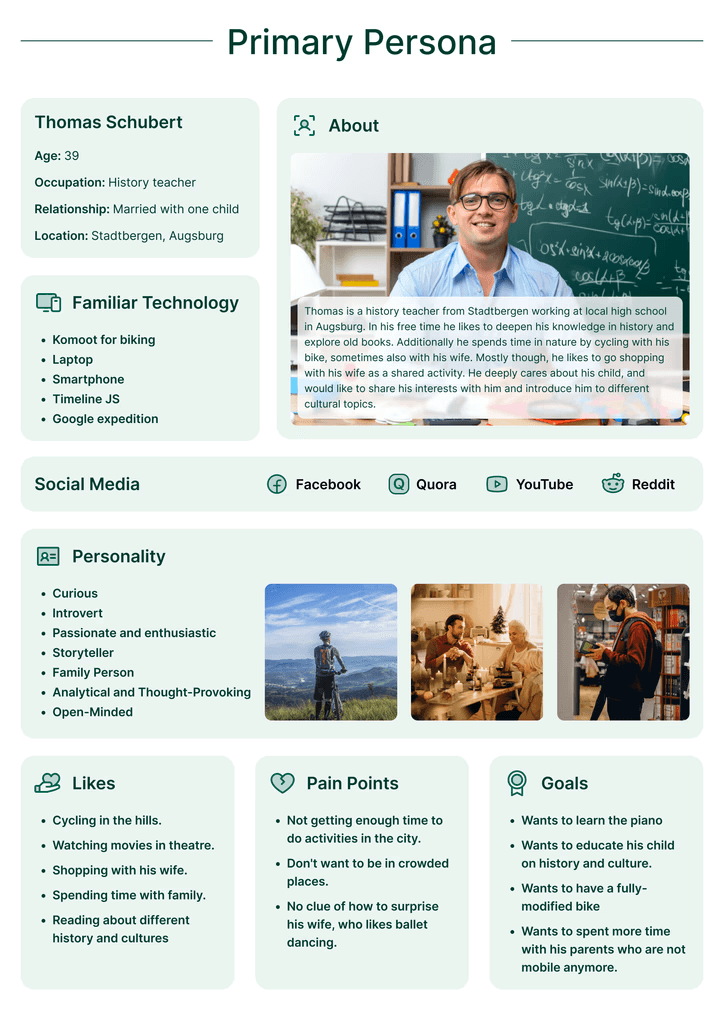
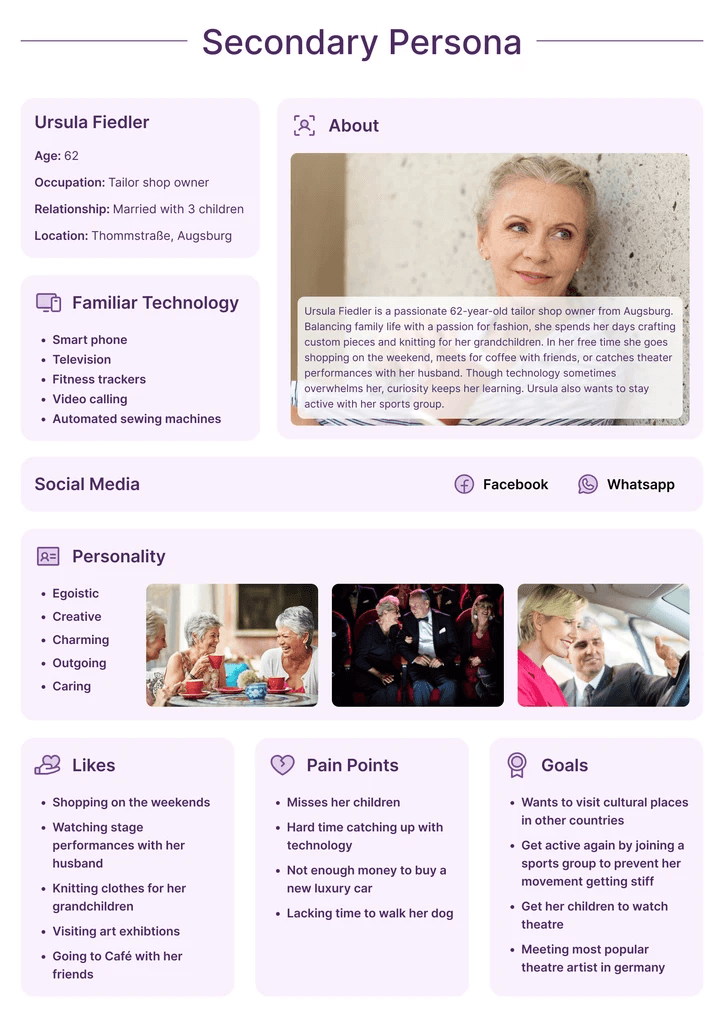
A first observation was initiated by visiting the ballet “FRIDA” to empathize with the possible audience. After a first feedback session with our stakeholder, it was discovered that the digital audience is massively different to the analogue one. Therefore, the target groups and personas were adjusted accordingly. 

Personas

Stakeholder's Initial Feedback

A first observation was initiated by visiting the ballet “FRIDA” to empathize with the possible audience. After a first feedback session with our stakeholder, it was discovered that the digital audience is massively different to the analogue one. Therefore, the target groups and personas were adjusted accordingly. 

Personas

Stakeholder's Initial Feedback

A first observation was initiated by visiting the ballet “FRIDA” to empathize with the possible audience. After a first feedback session with our stakeholder, it was discovered that the digital audience is massively different to the analogue one. Therefore, the target groups and personas were adjusted accordingly. 

Personas

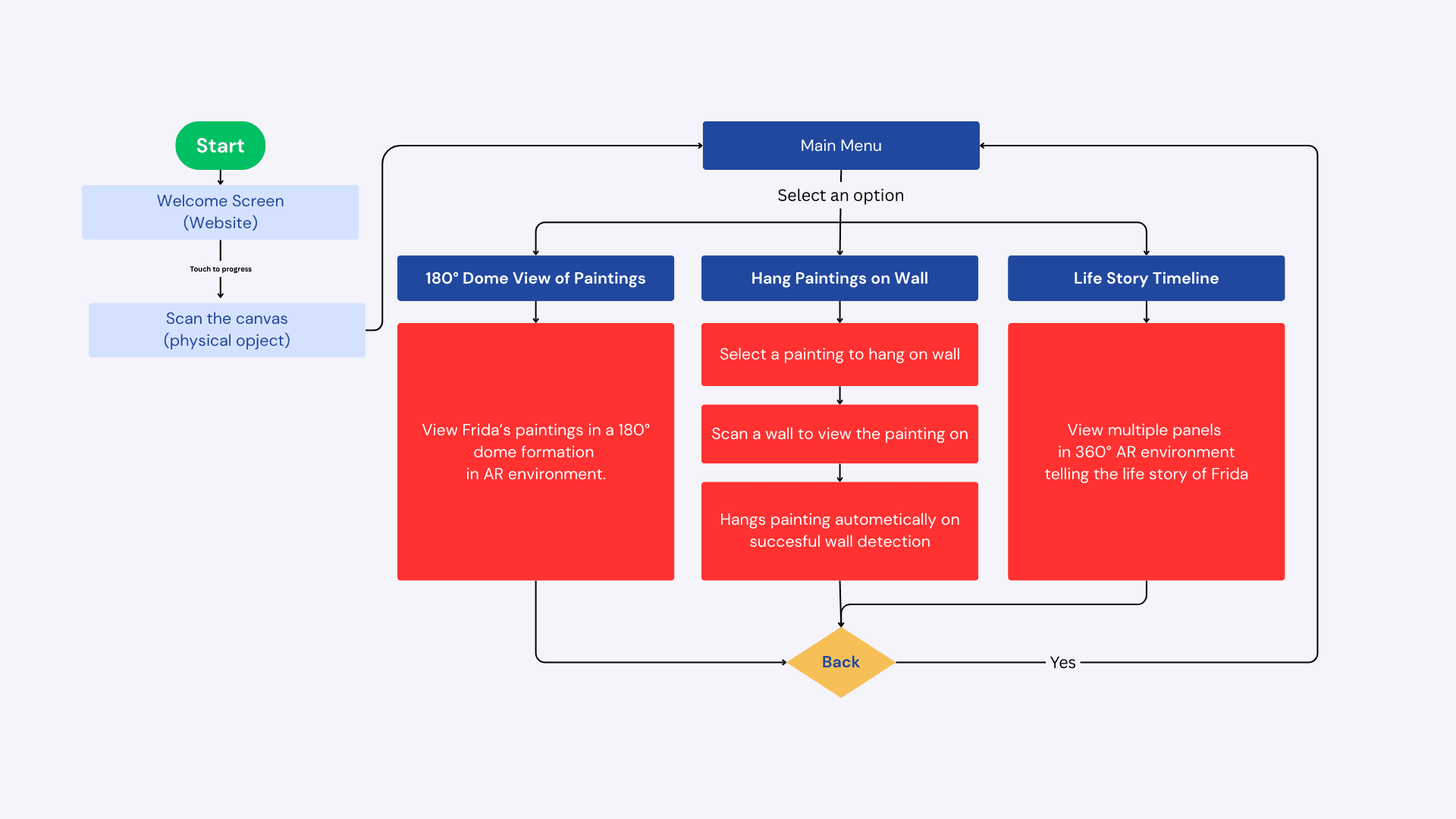
User Flow

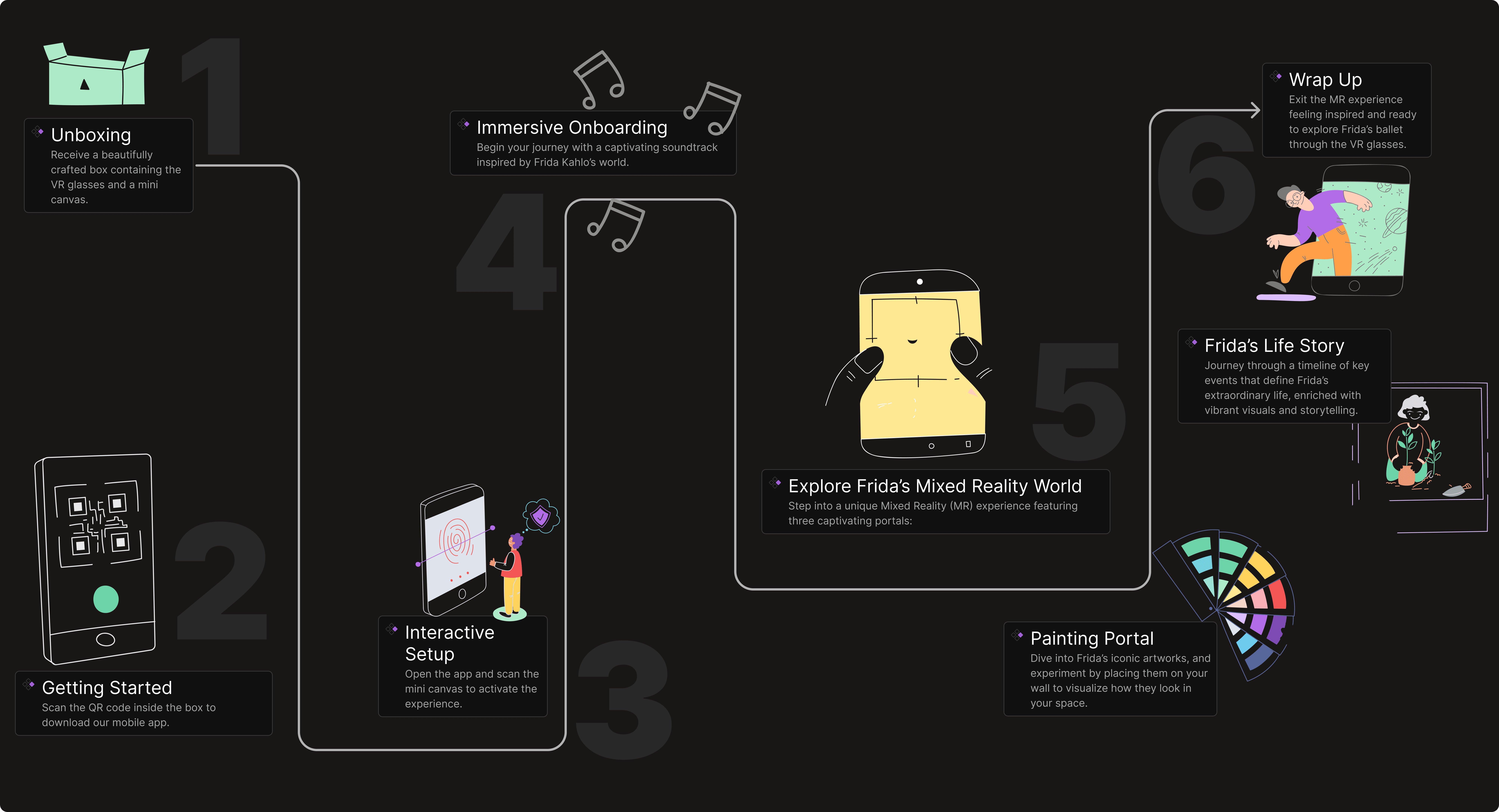
User Journey

Stakeholder's 2nd Feedback

After the second feedback session with the stakeholder, it was assured to use the room around us more in our concepts. The feature of being able to place Frida Kahlo’s art pieces digitally on walls was added. It was also decided to make the interaction more understandable for a wider audience.

Initial Hypothesis
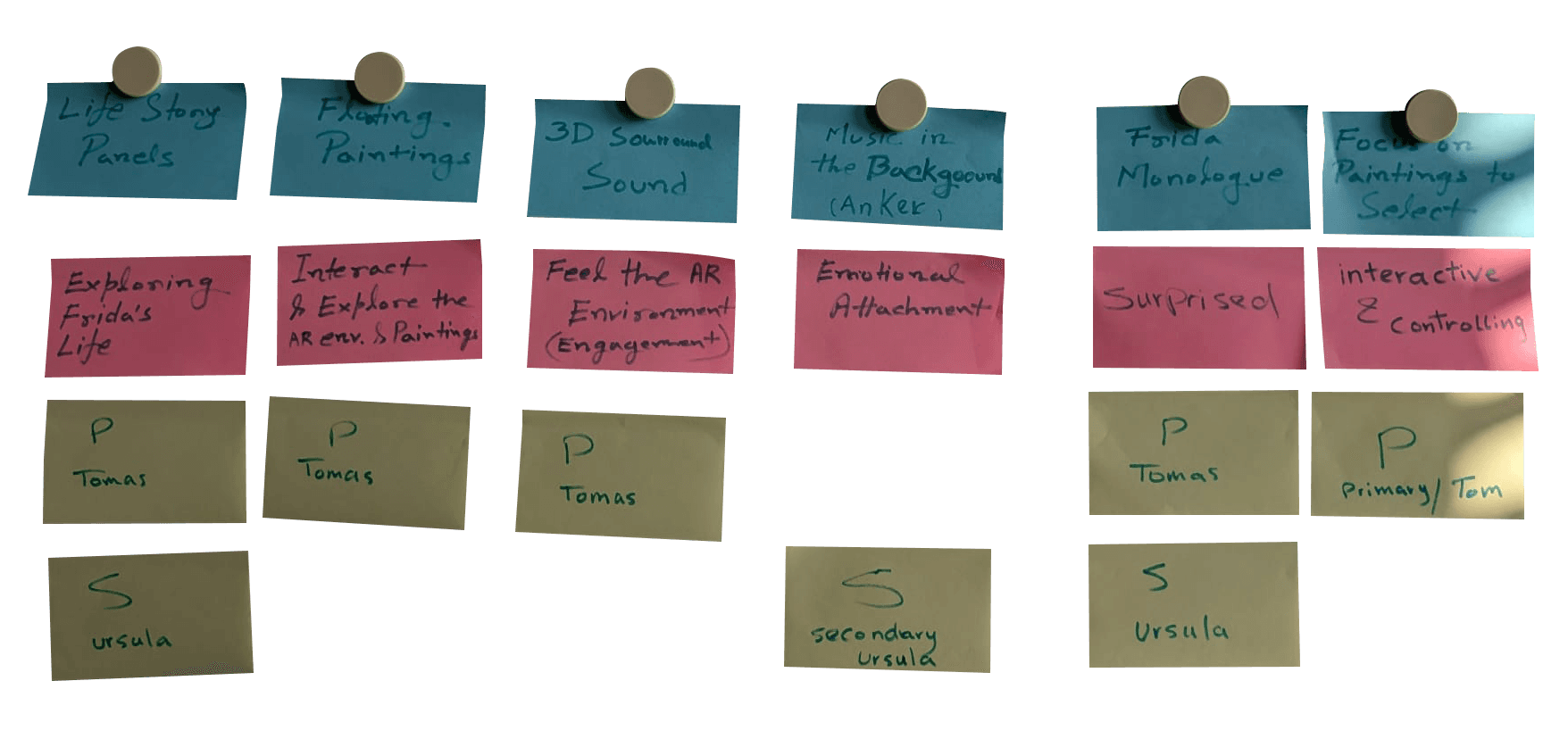
In the hypothesis session the most crucial features (blue stickies) were identified. Additionally, proposed outcomes (red stickies) for the were defined for the respective feature. The yellow stickies determine which persona will benefit the most of the given feature and outcome.

Created MVP From Hypothesis
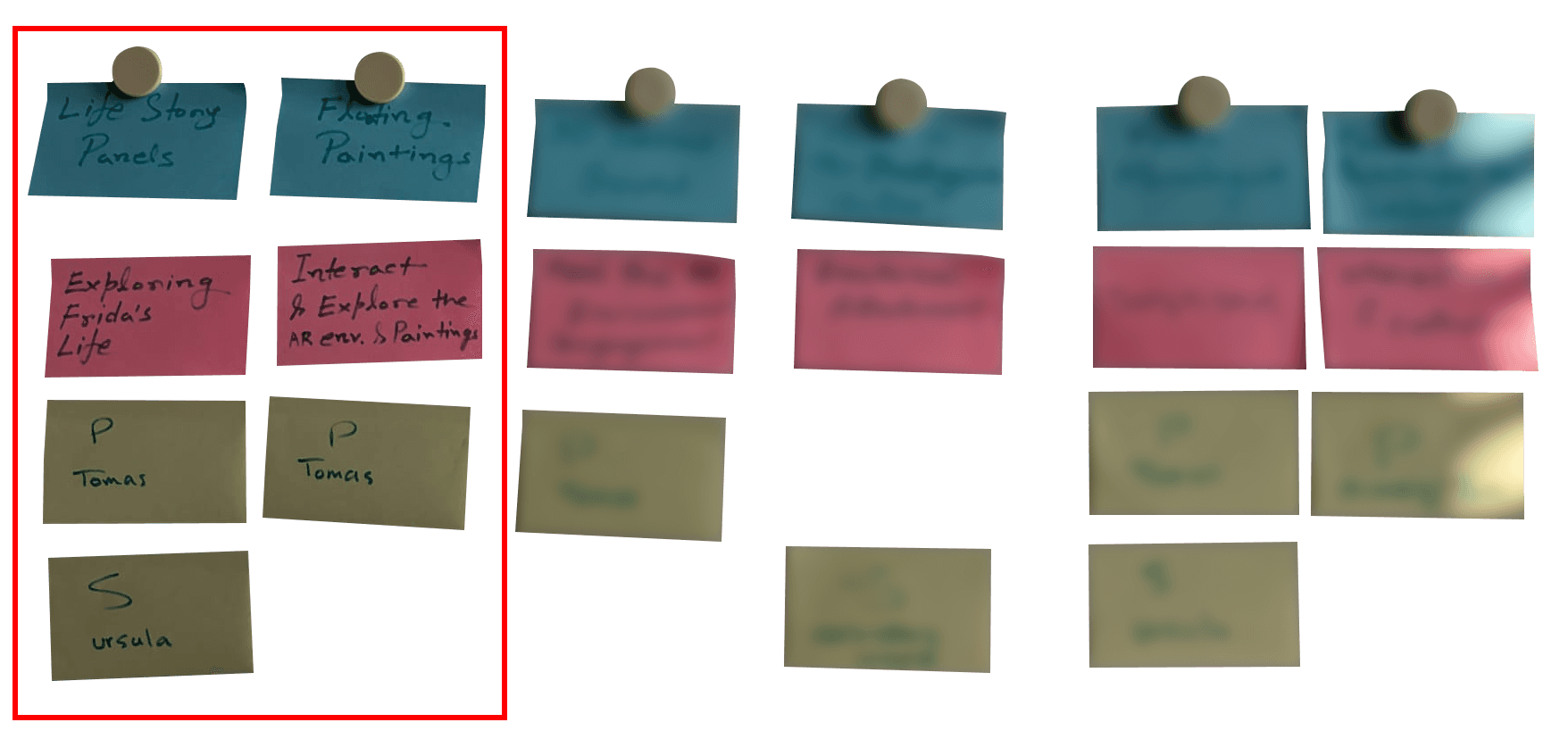
The hypothesis table served as a foundation for creating the most valuable product. (MVP) This describes a reduction of features to the two most significant core-features, from which it is believed the project would not work without. It is then used to create the first prototype.

Analogue Object: Painting Canvas

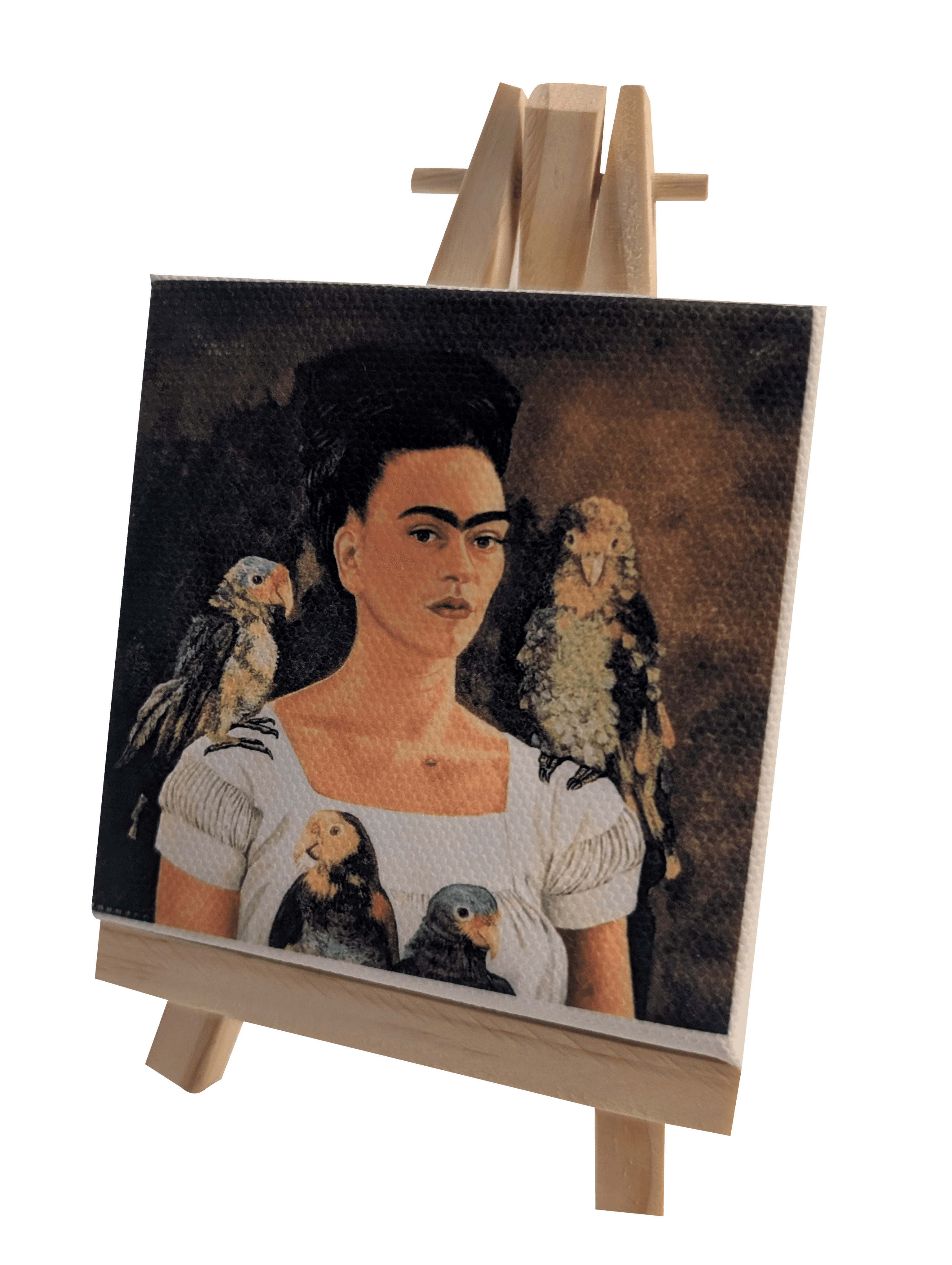
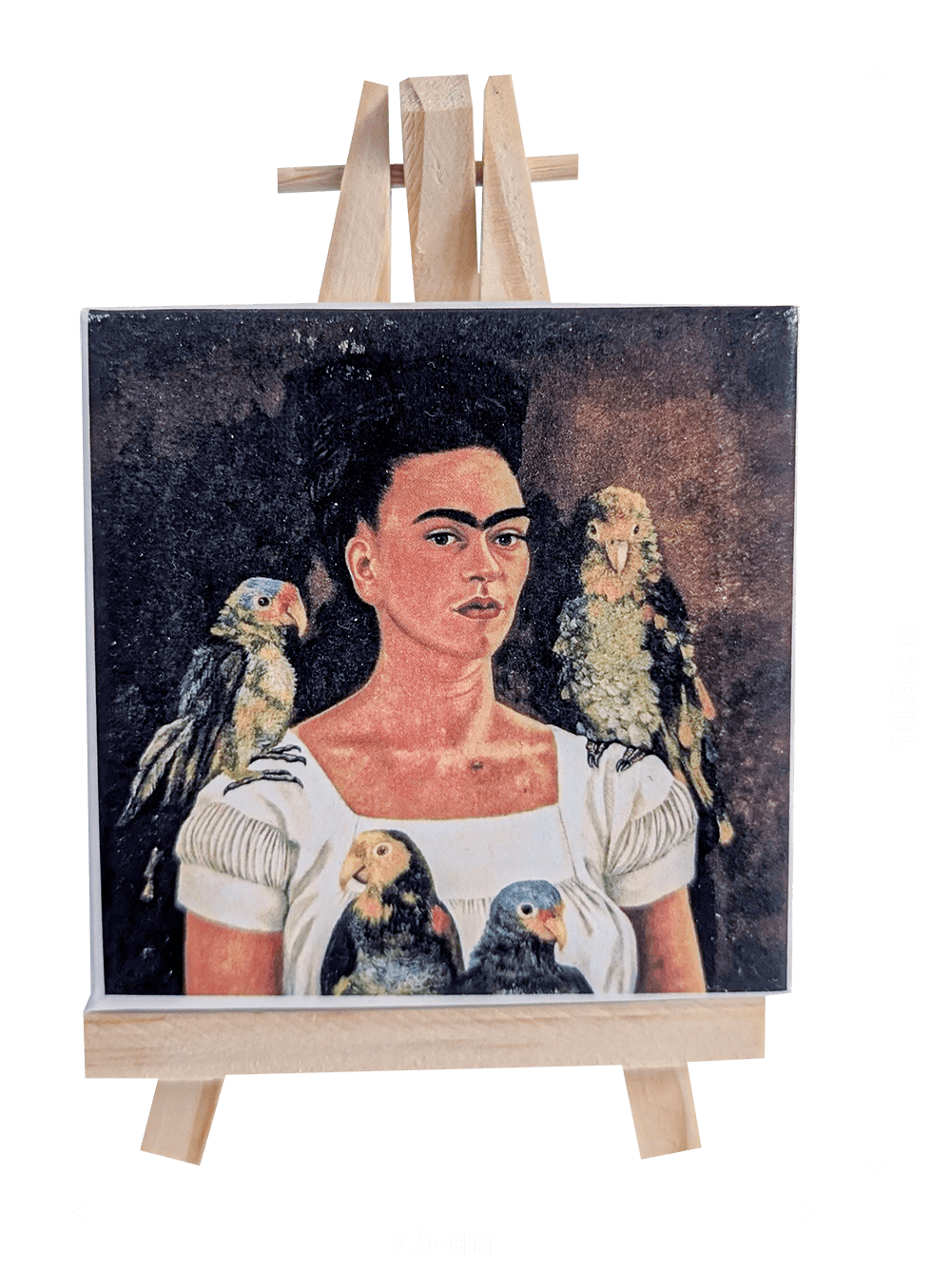
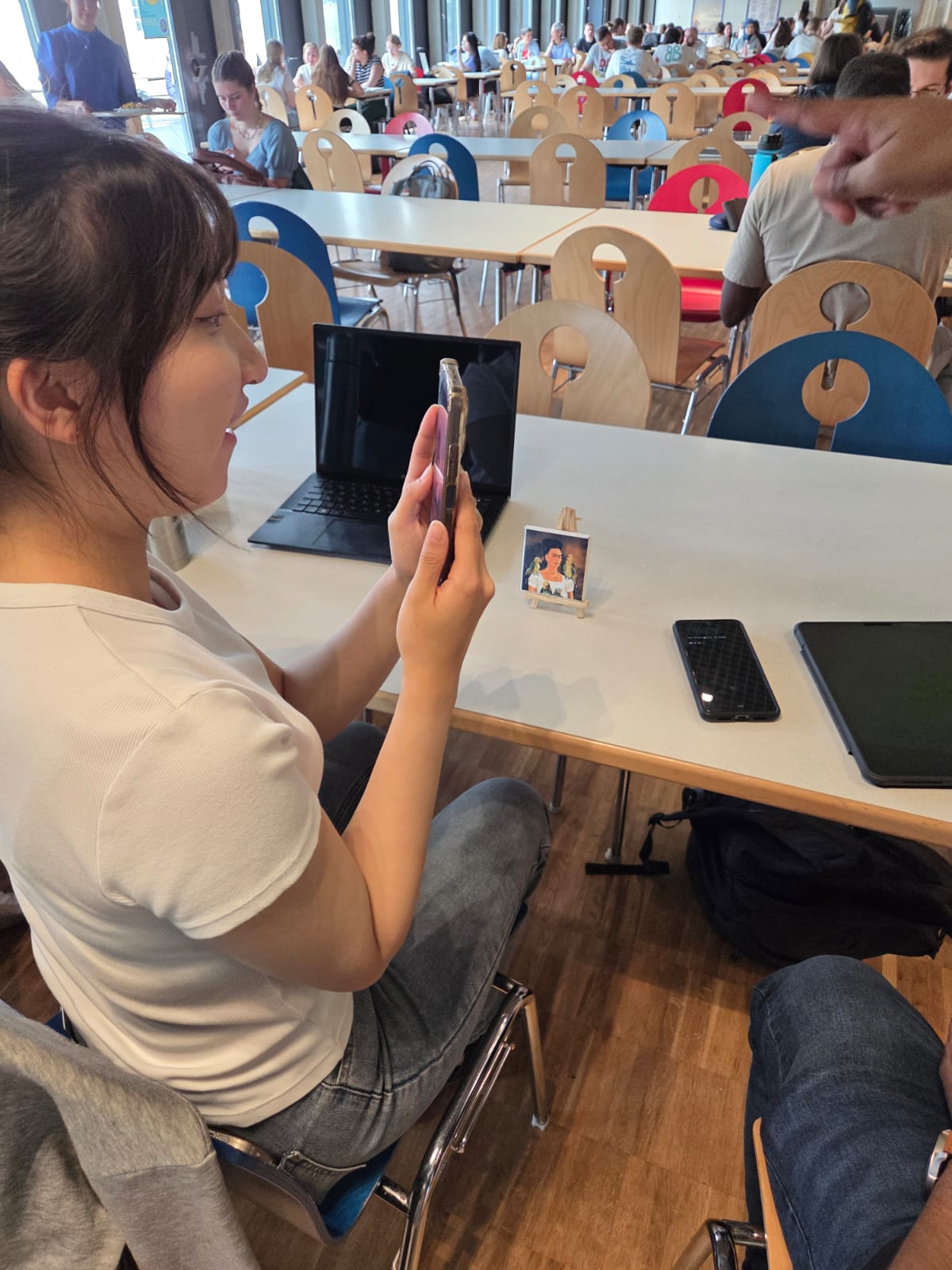
The analogue object in our AR experience is a 7.5 cm x 7.5 cm painting canvas, featuring Frida Kahlo’s self-portrait. This physical canvas serves as a tangible bridge between the real and digital worlds, allowing users to scan it with their smartphone. Once scanned, an interactive AR experience unfolds, bringing Frida Kahlo’s art and story to life in 3D. The canvas enhances immersion, making the AR interaction feel personal and engaging while preserving the essence of traditional art in a modern, mixed-reality format. This seamless blend of physical and digital realms creates a unique storytelling experience for users.
Wireframes

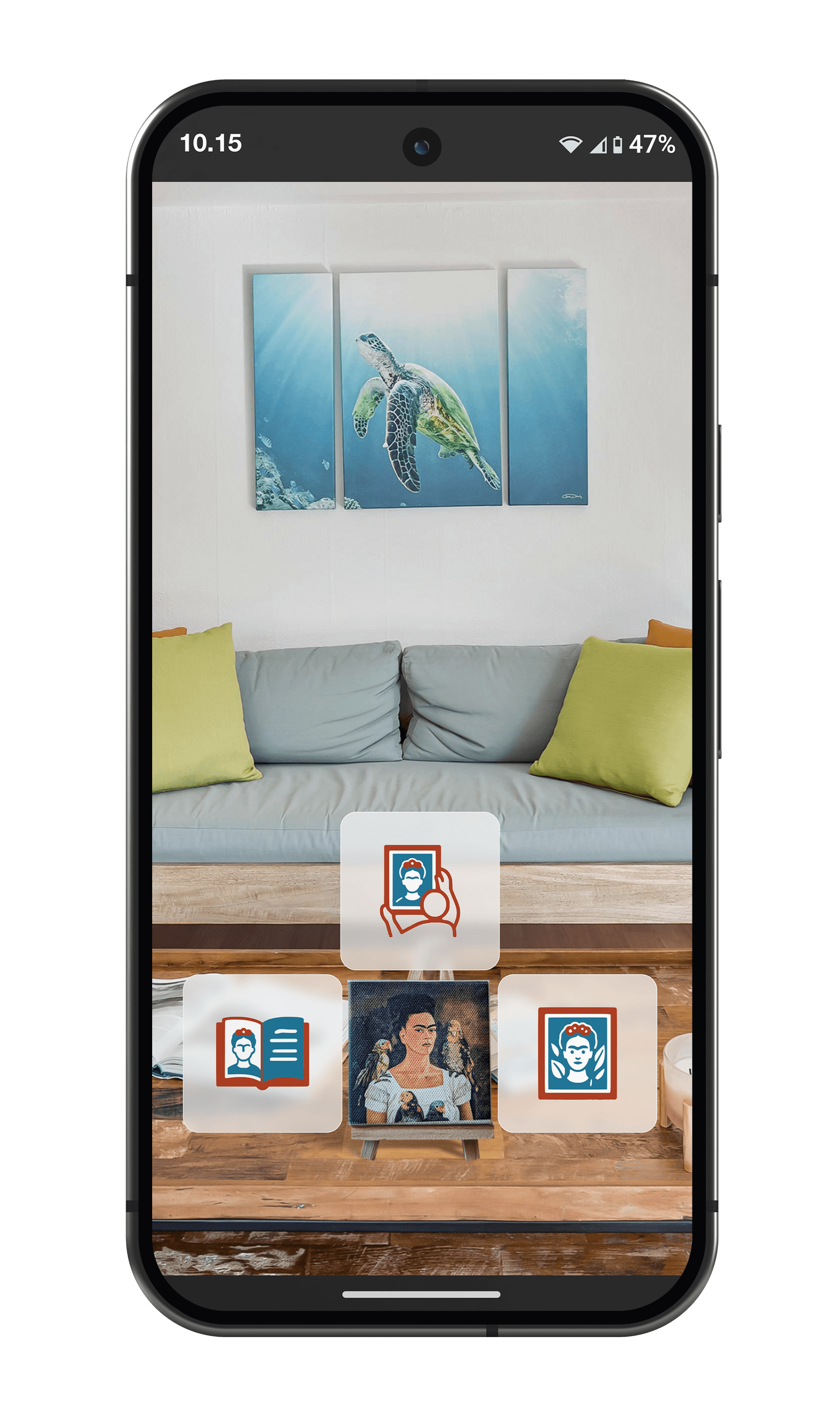
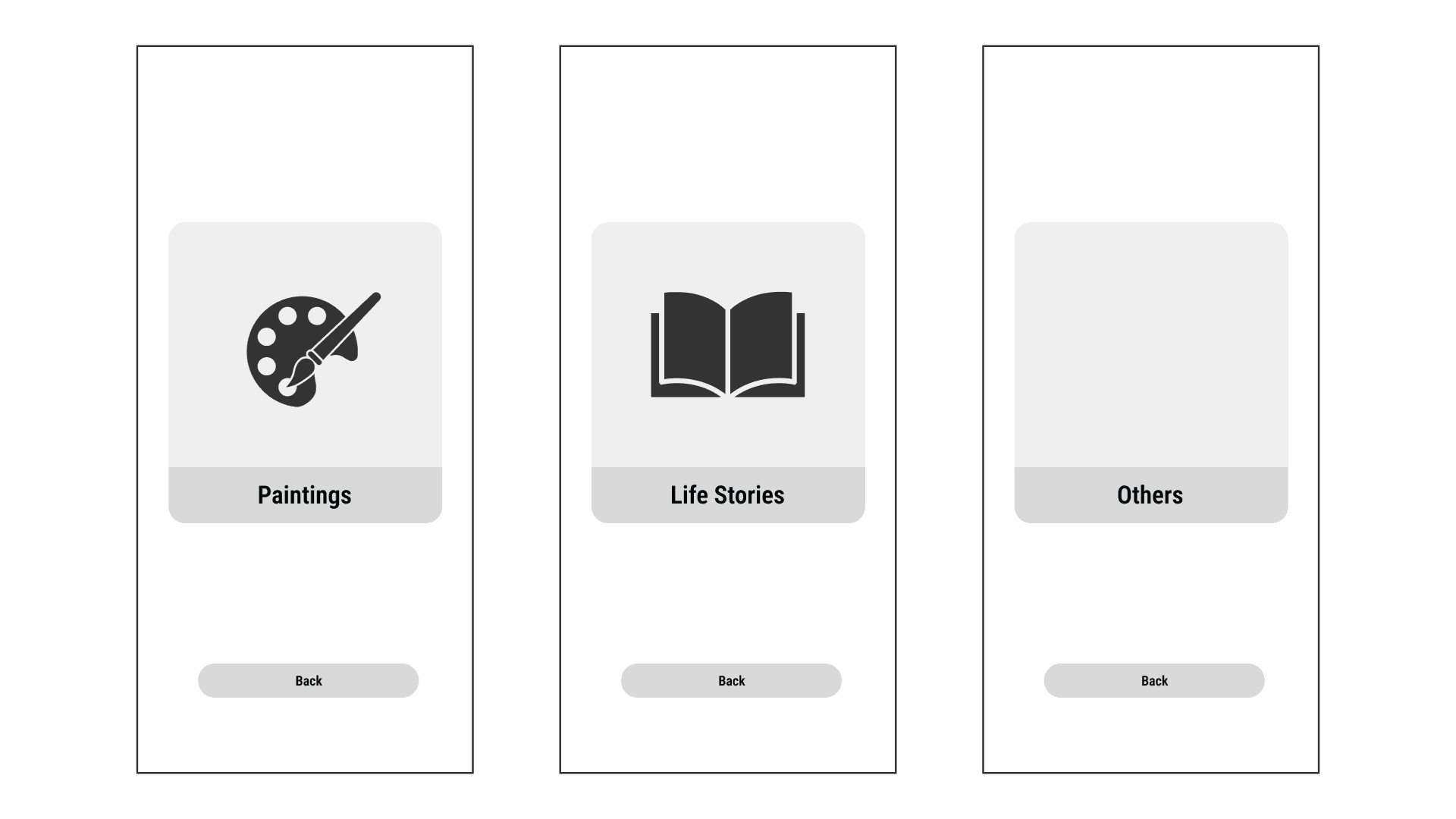
AR Main Menu
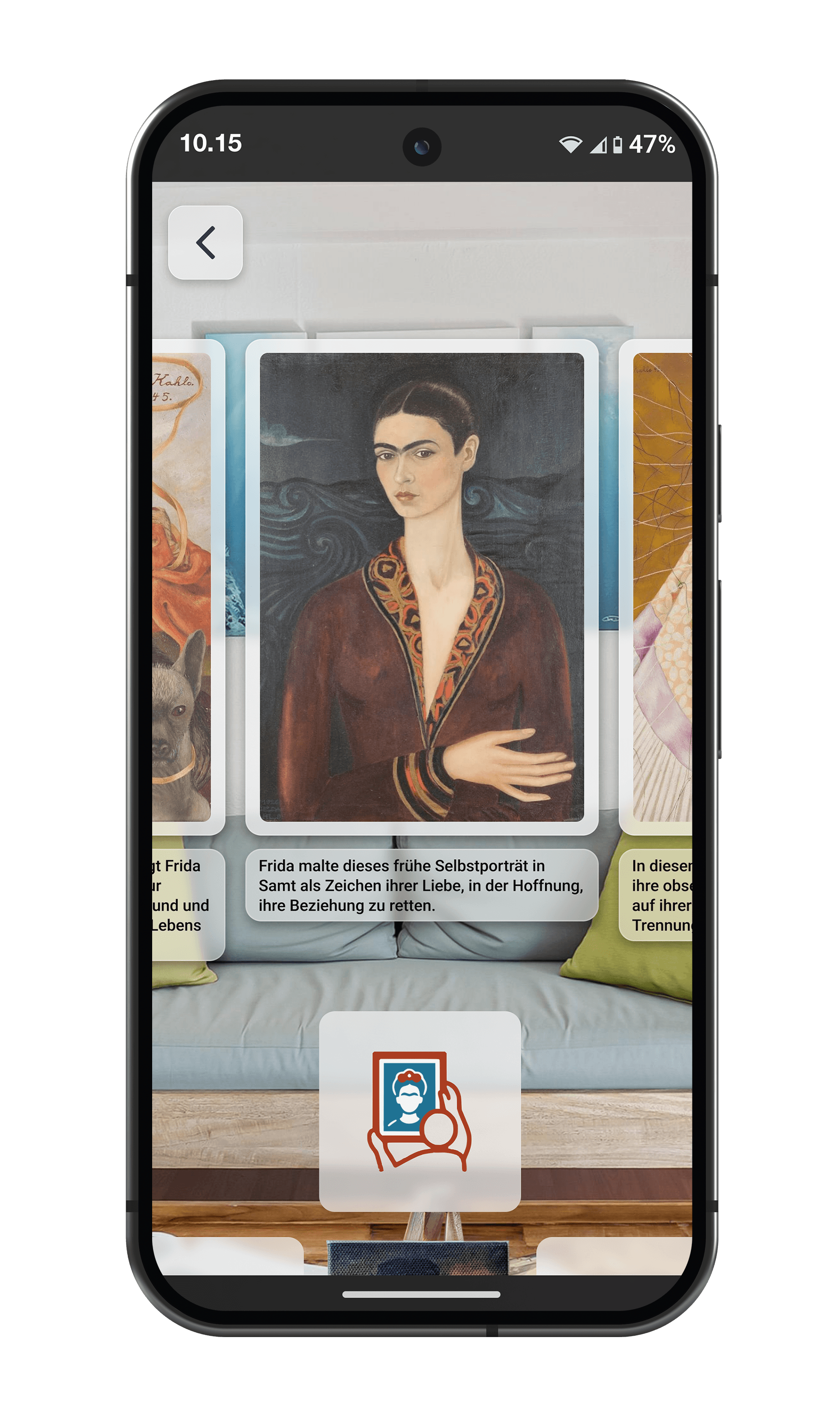
AR Painting Panels
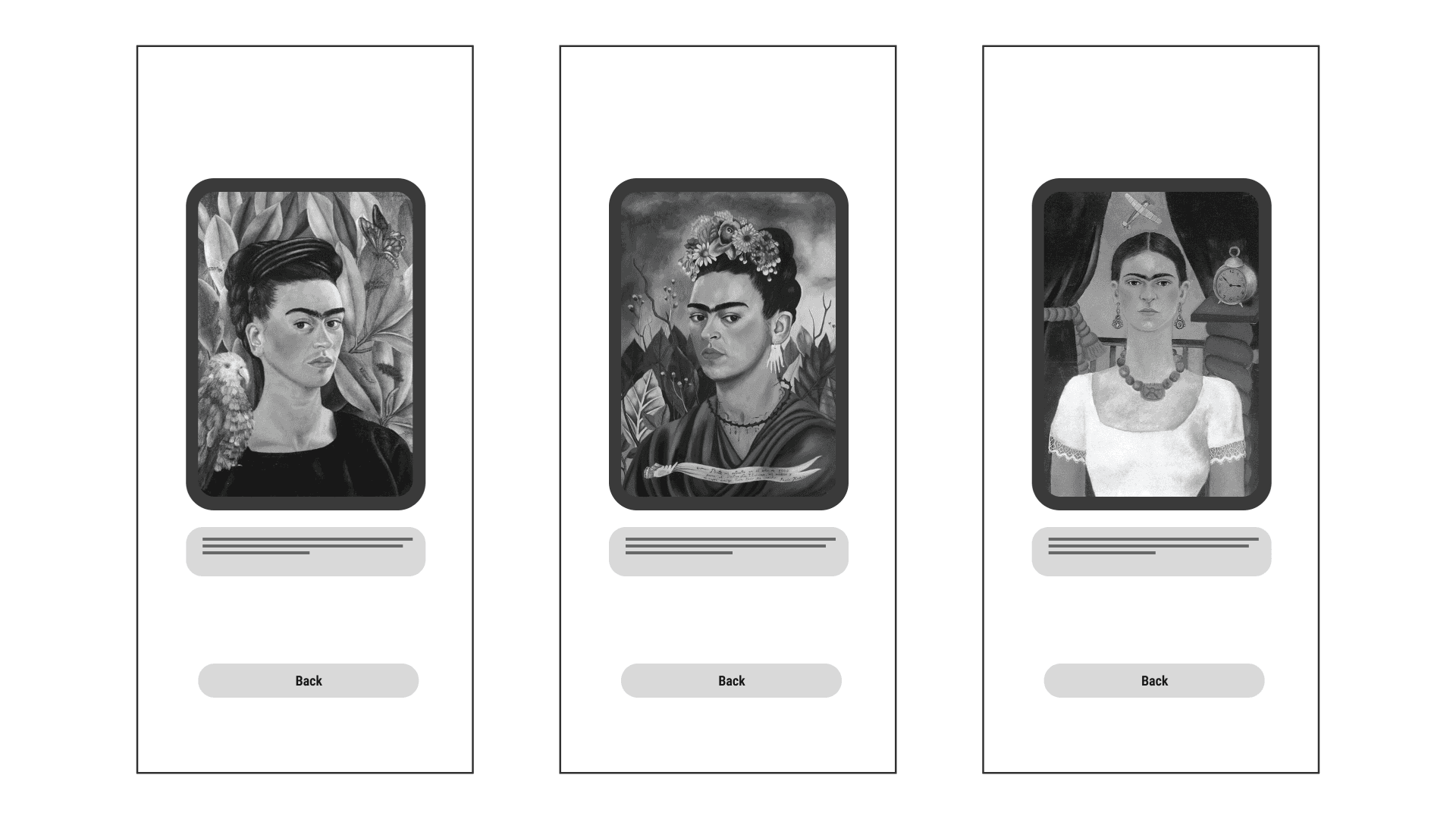
Life Story Panels
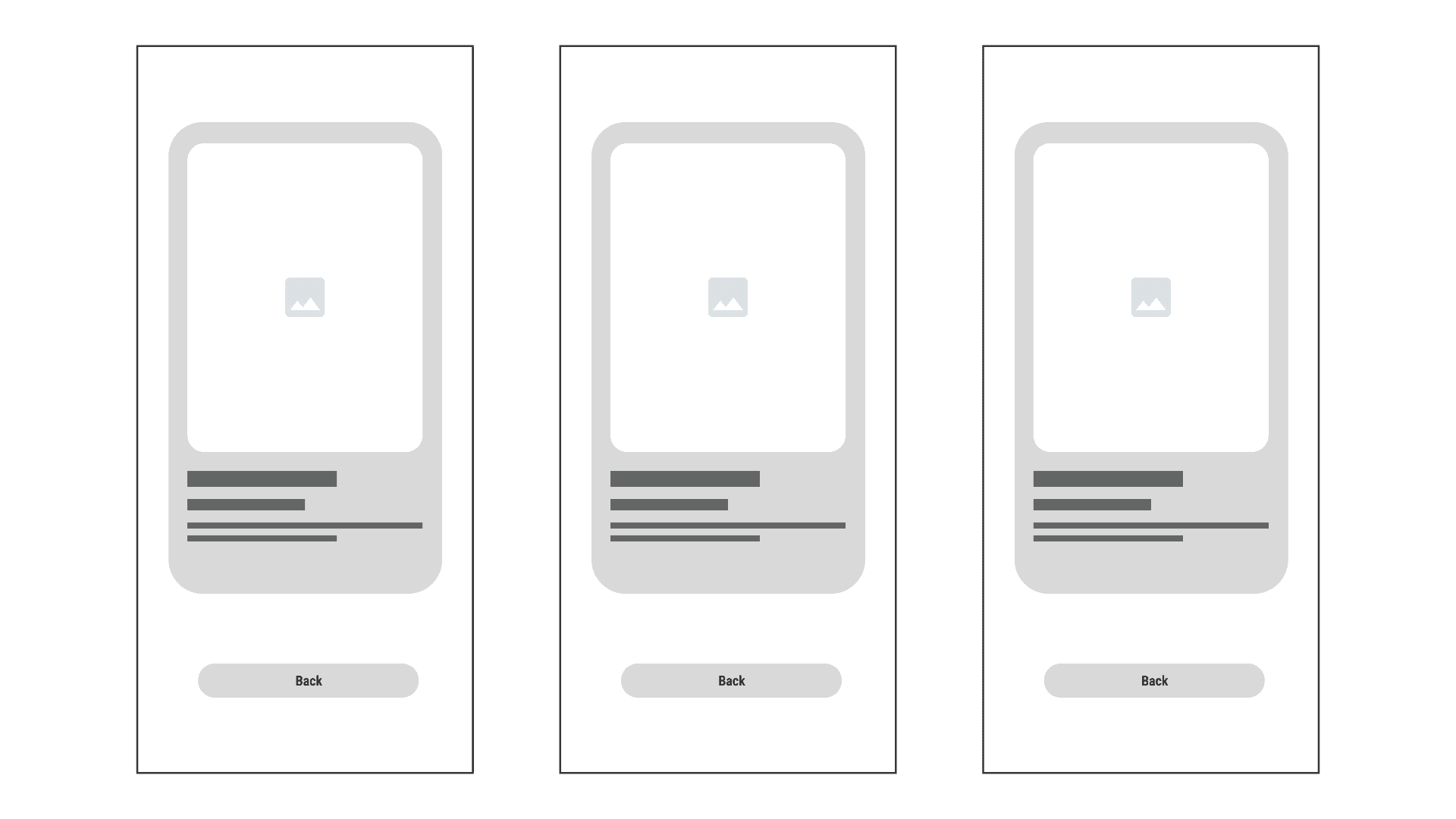
Markerless Environment Scanner
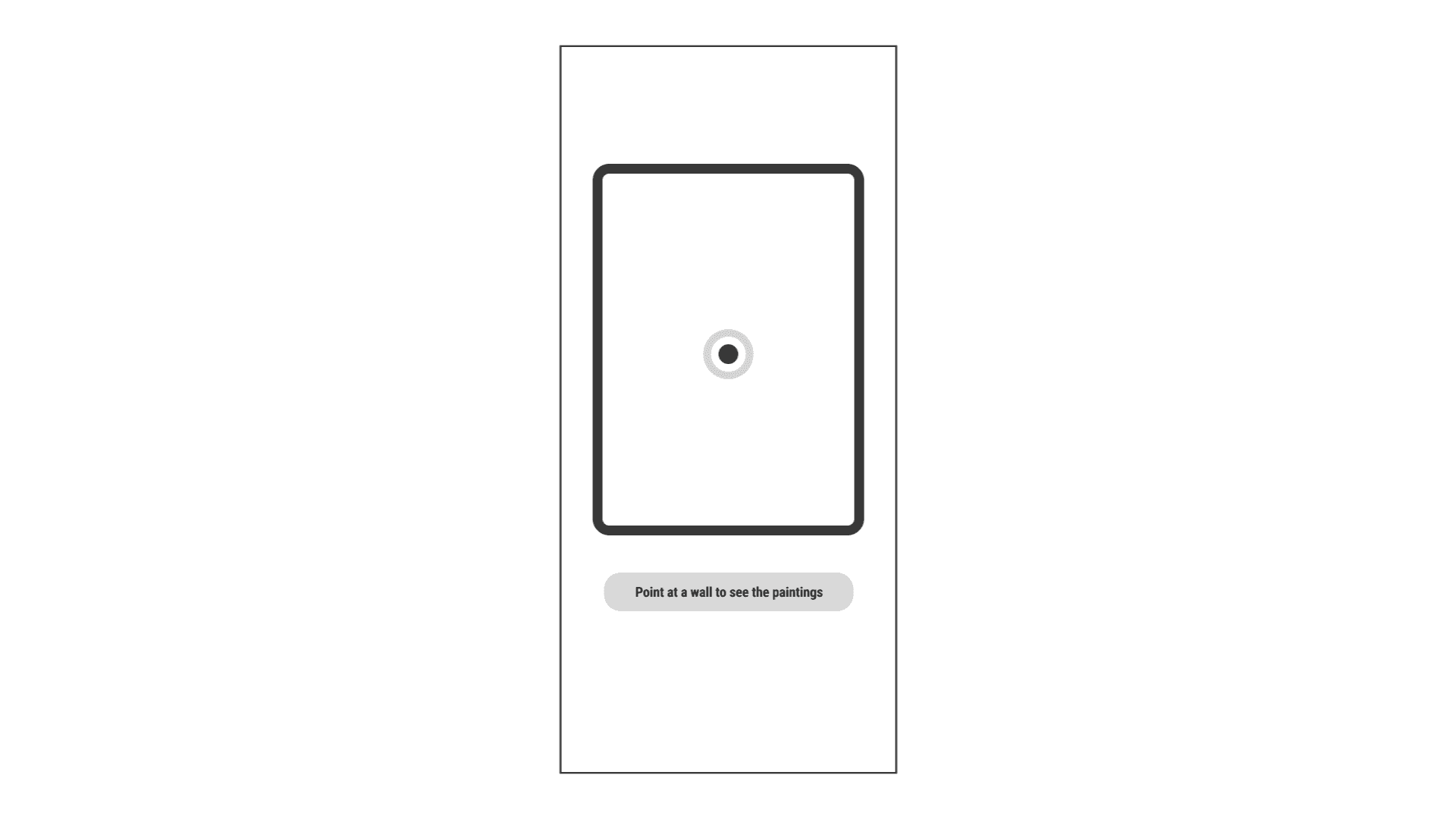
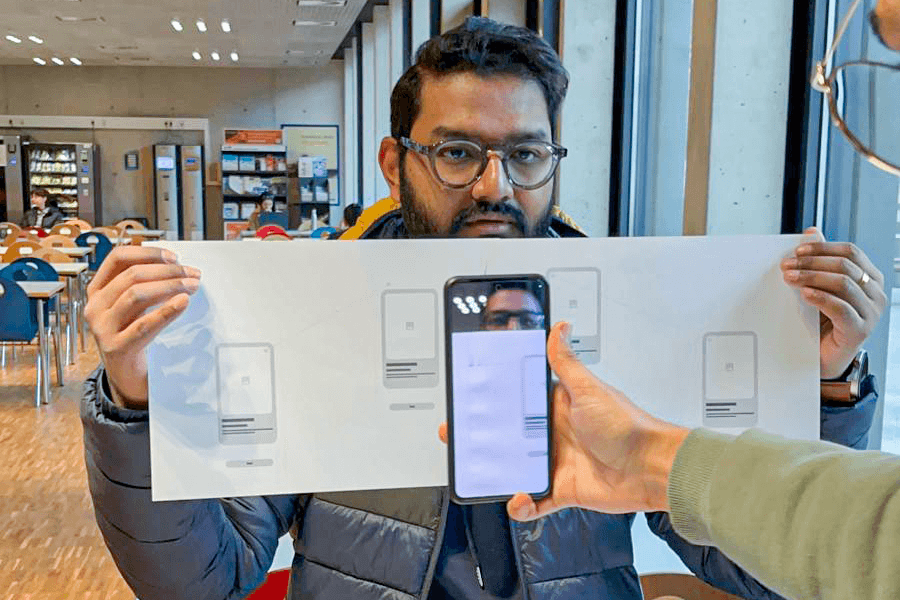
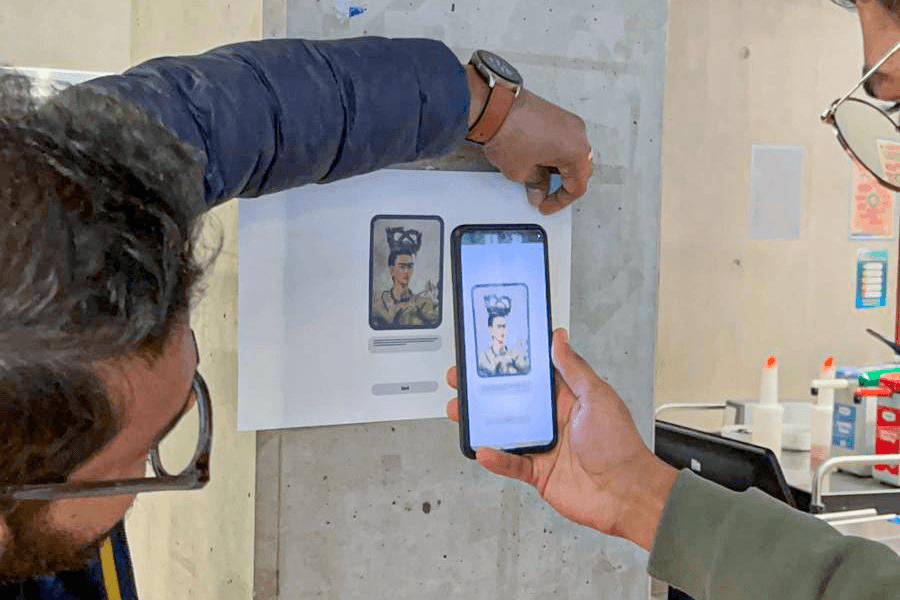
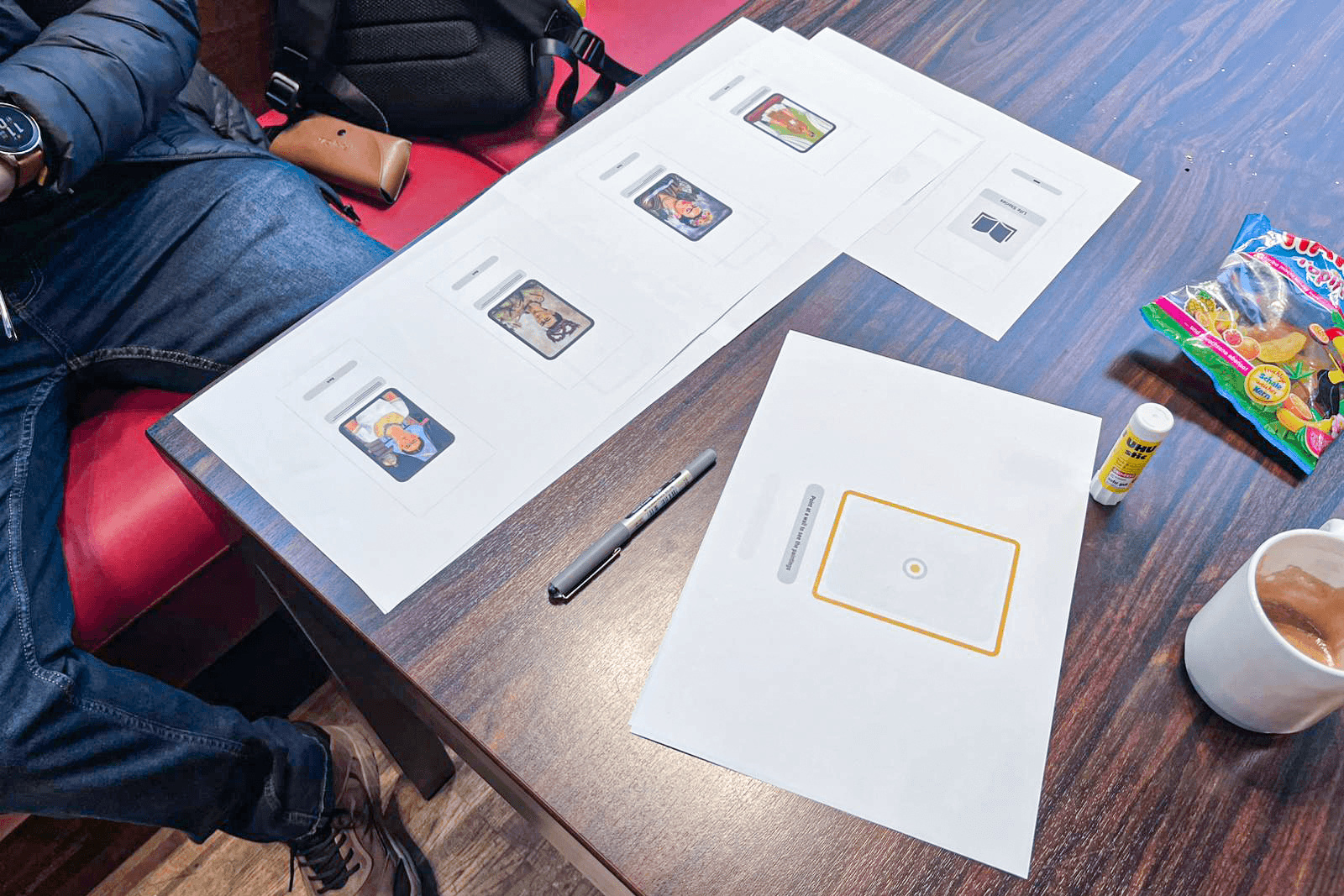
1st User Test (Paper Prototype)

By crafting a paper prototype a first user test was initiated. The main goal for this session was to gather information about how customers react to features. It was also observed how people navigate through the prototype.
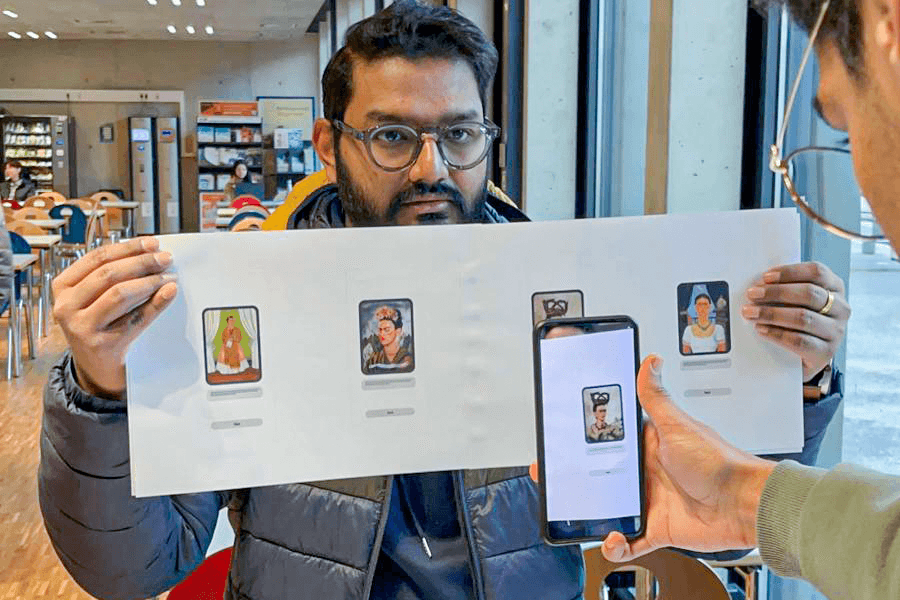
Hi-Fi Prototype

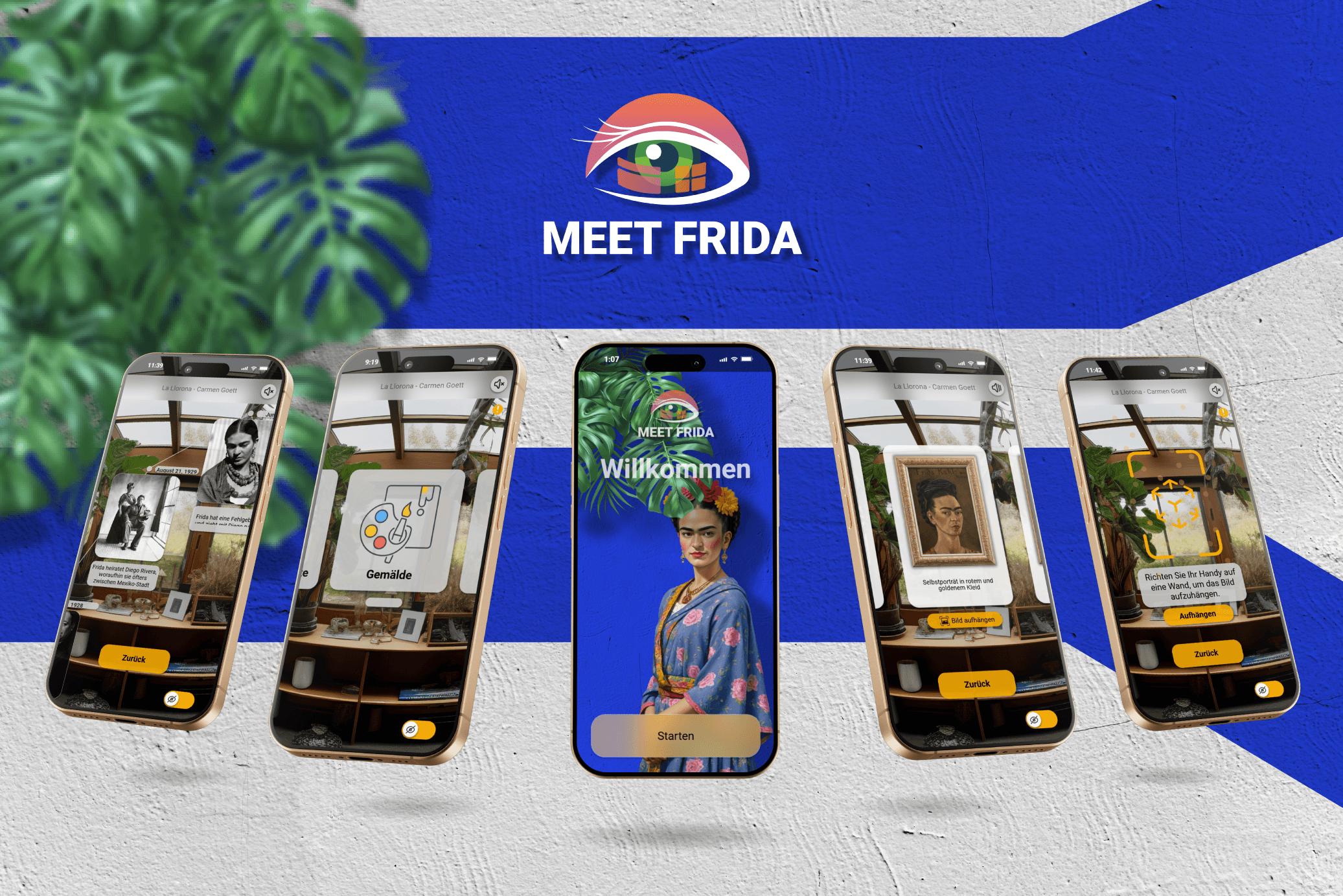
Our final prototype was developed using ProtoPie, incorporating insights from our first user test with the paper prototype. Based on user feedback, we refined the design to create a more intuitive and user-friendly experience. The improved prototype focused on seamless navigation, clear interaction cues, and enhanced AR engagement. We addressed key challenges, such as navigation clarity, intuitive painting placement, and better UI instructions, ensuring users could interact with Frida Kahlo’s art and life effortlessly. This high-fidelity prototype provided a realistic preview of the final app, allowing us to test and validate interactions before development.

Design

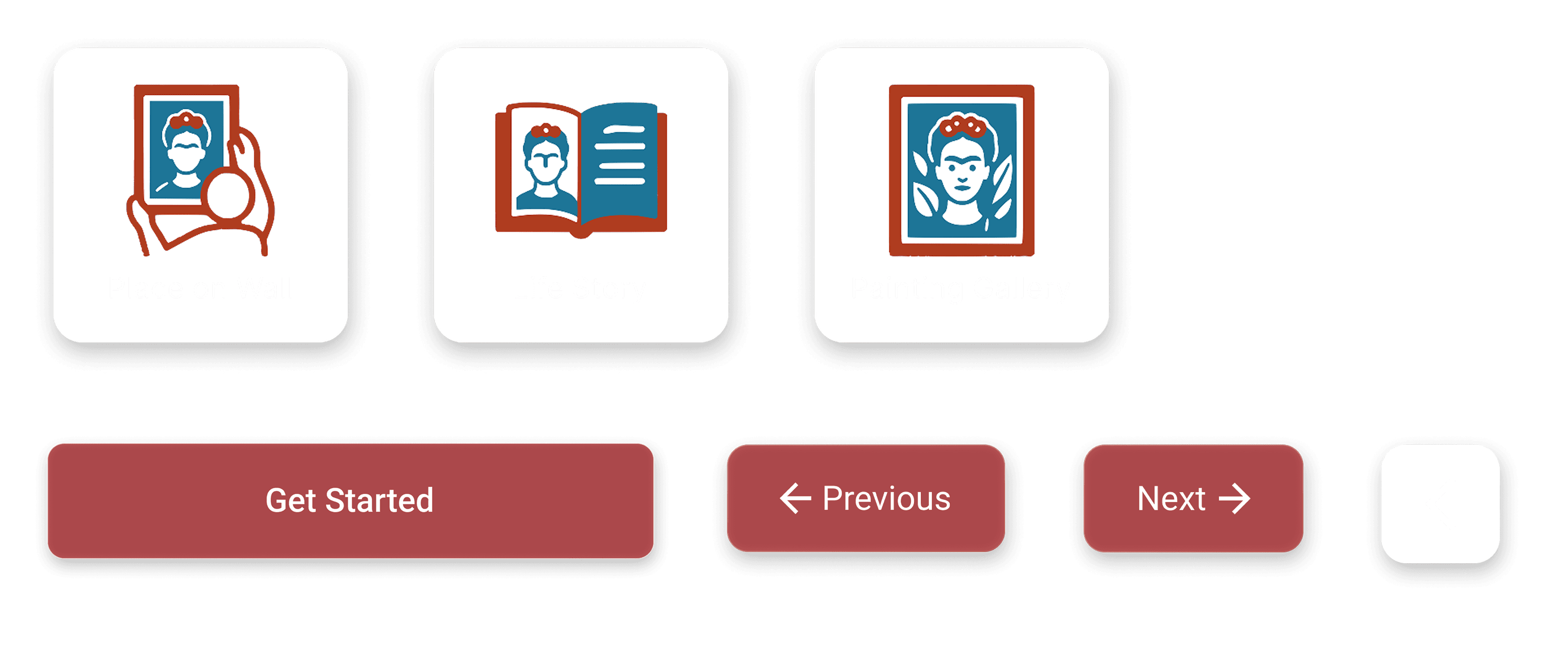
Based on our design systems and the results of our user tests we created the UI components more accessible and simple for the user to understand.
User Interface (UI)

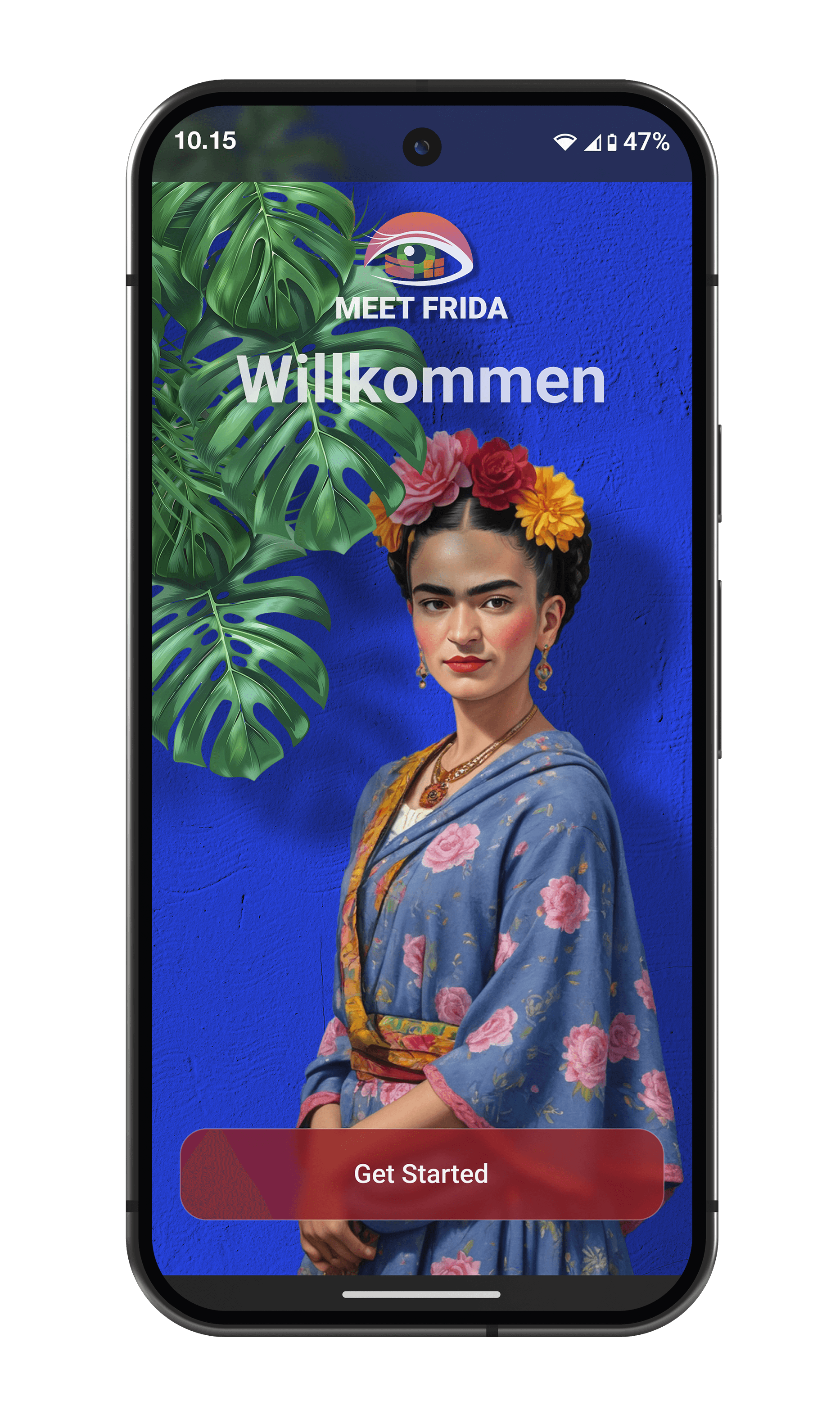
Welcome
Main AR Menu
180° Painting Frames
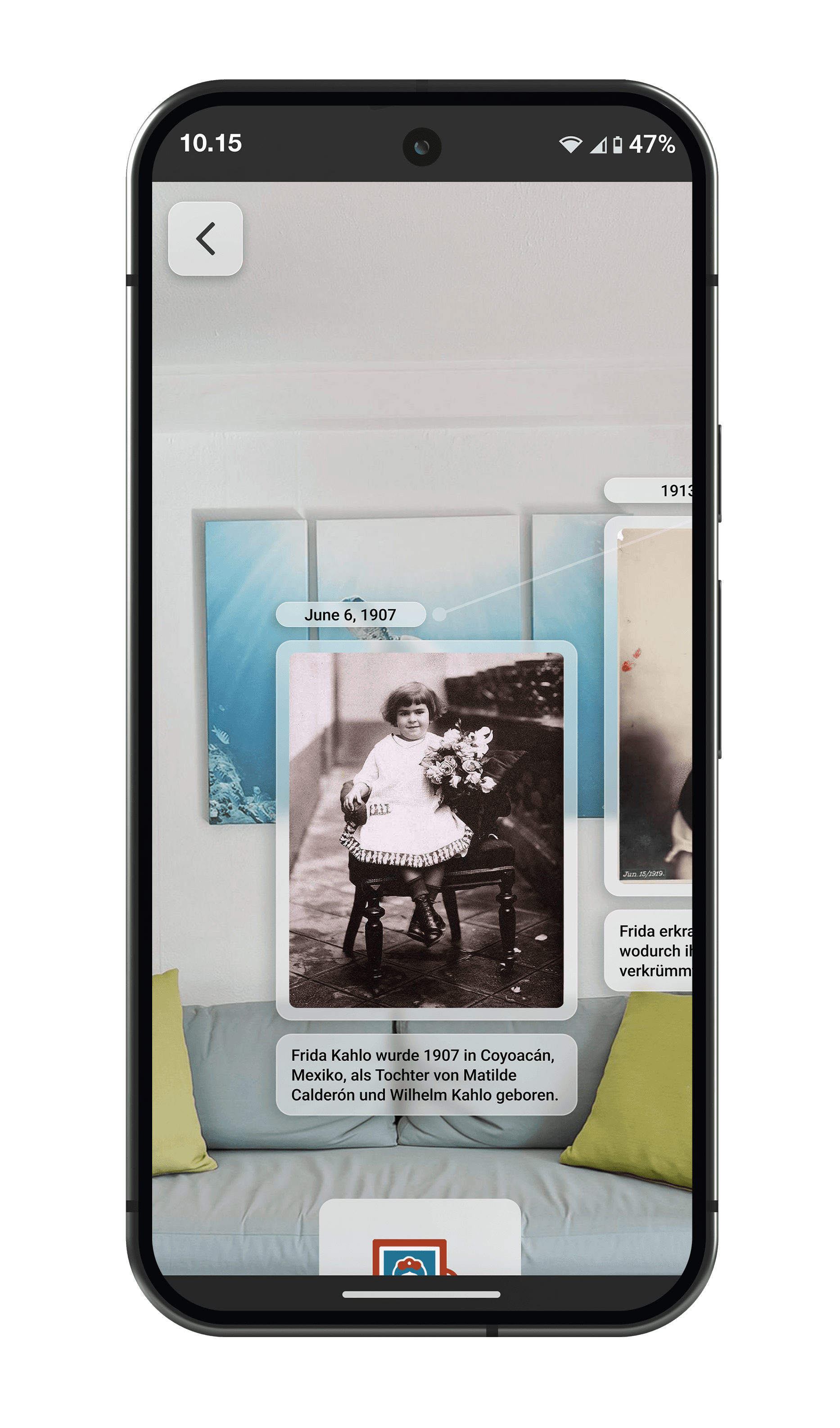
AR Life Timeline
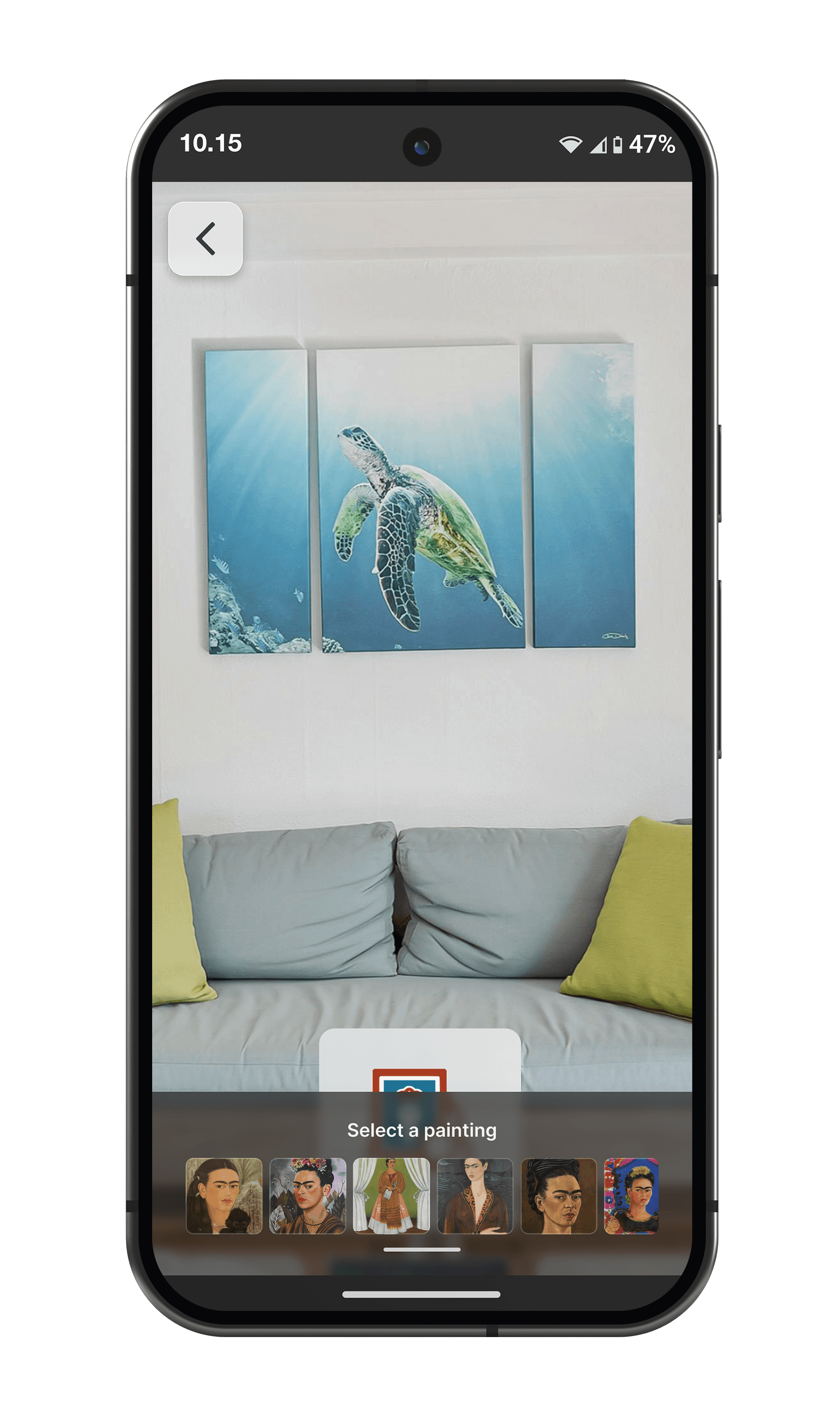
Painting Selection to Hang
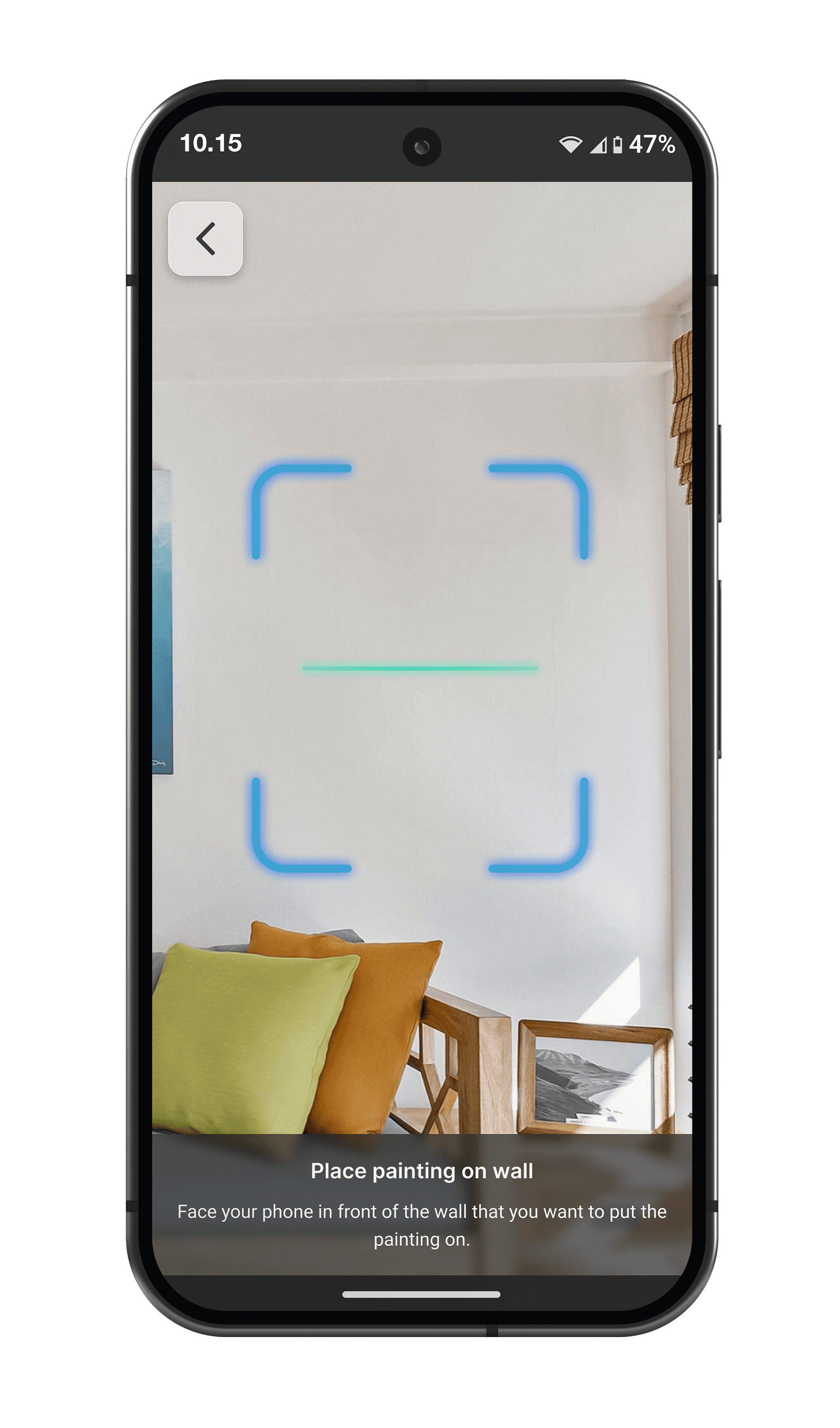
Markerless AR Scanner
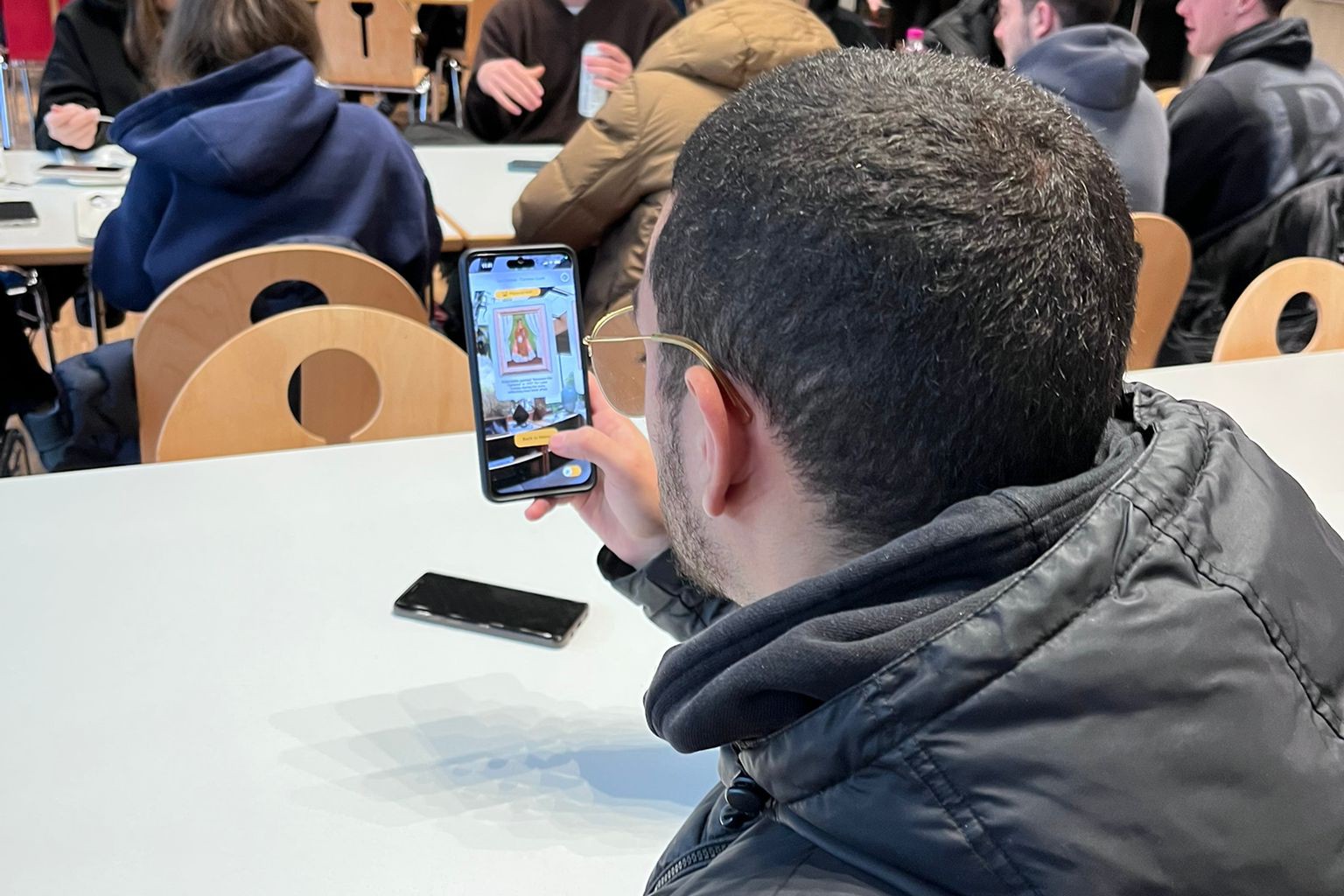
2nd User Test (Hi-Fi Prototype)

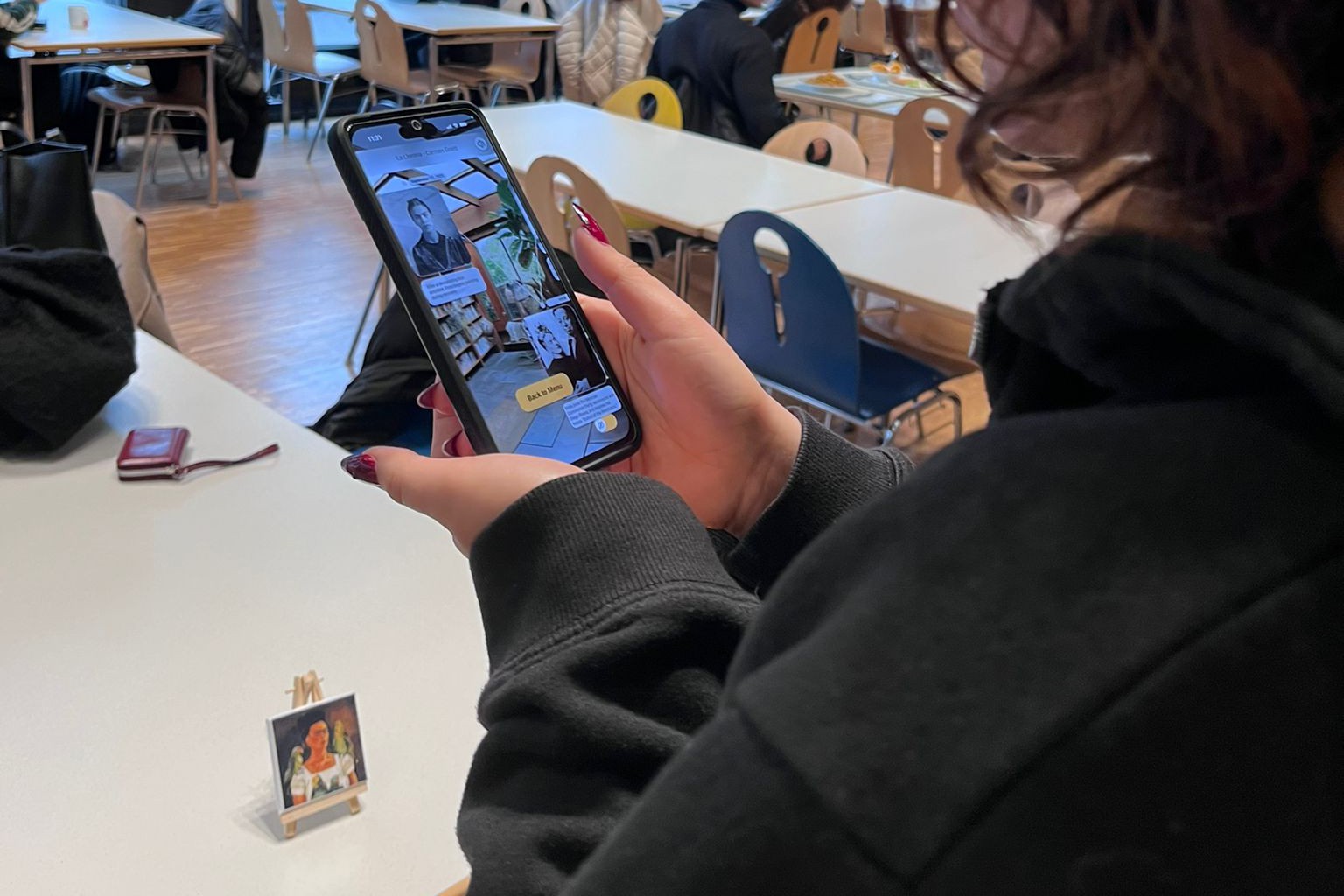
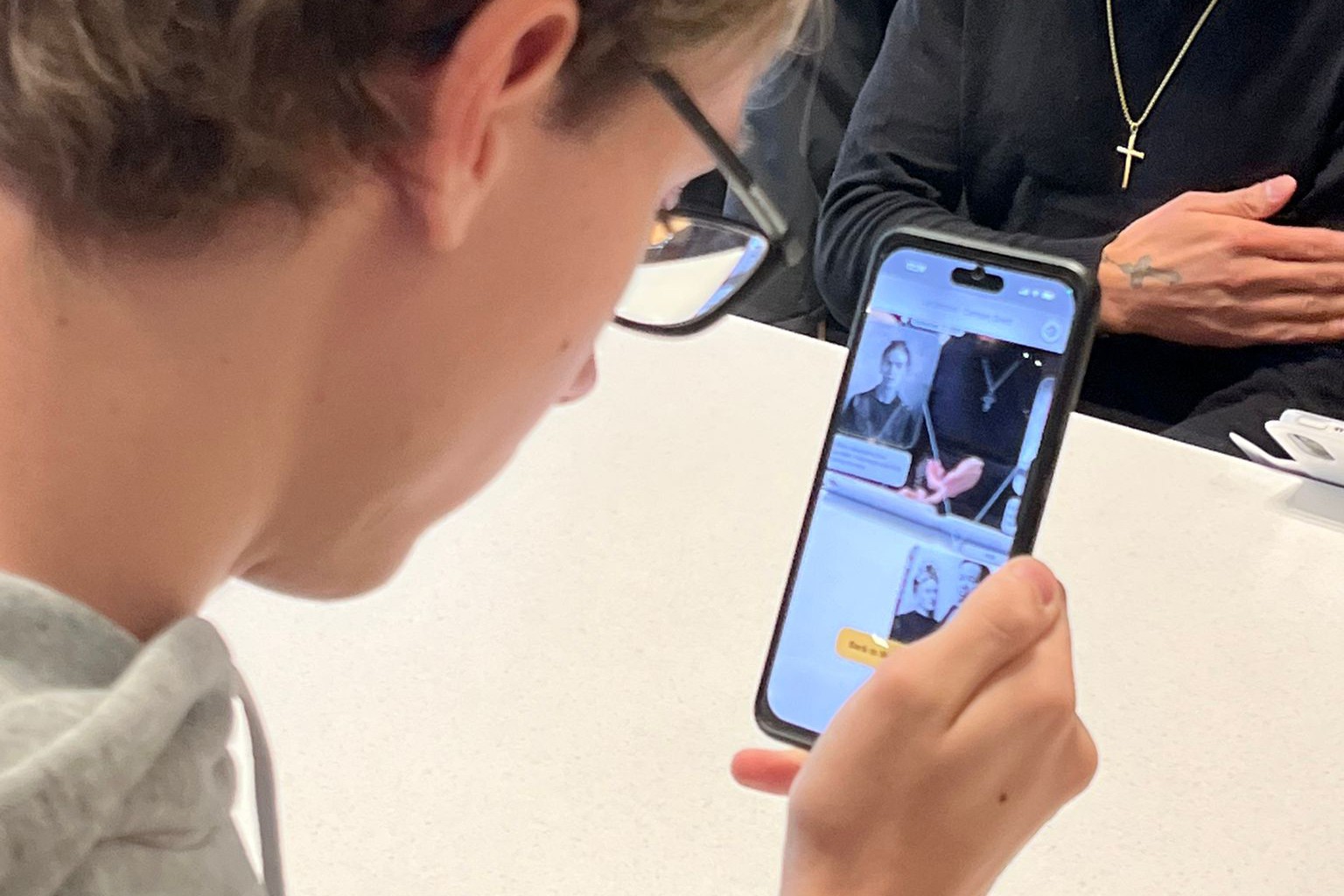
The main goal for the second user test was to test the user’s experience on button interactions. It was also tested if users preferred the background image or a see-through to the real world. At the end a small interviewed was conducted asking about difficulties and high moments during use.

2nd User Test (Hi-Fi Prototype)

The main goal for the second user test was to test the user’s experience on button interactions. It was also tested if users preferred the background image or a see-through to the real world. At the end a small interviewed was conducted asking about difficulties and high moments during use.

2nd User Test (Hi-Fi Prototype)

The main goal for the second user test was to test the user’s experience on button interactions. It was also tested if users preferred the background image or a see-through to the real world. At the end a small interviewed was conducted asking about difficulties and high moments during use.

Final User Test (AR App)

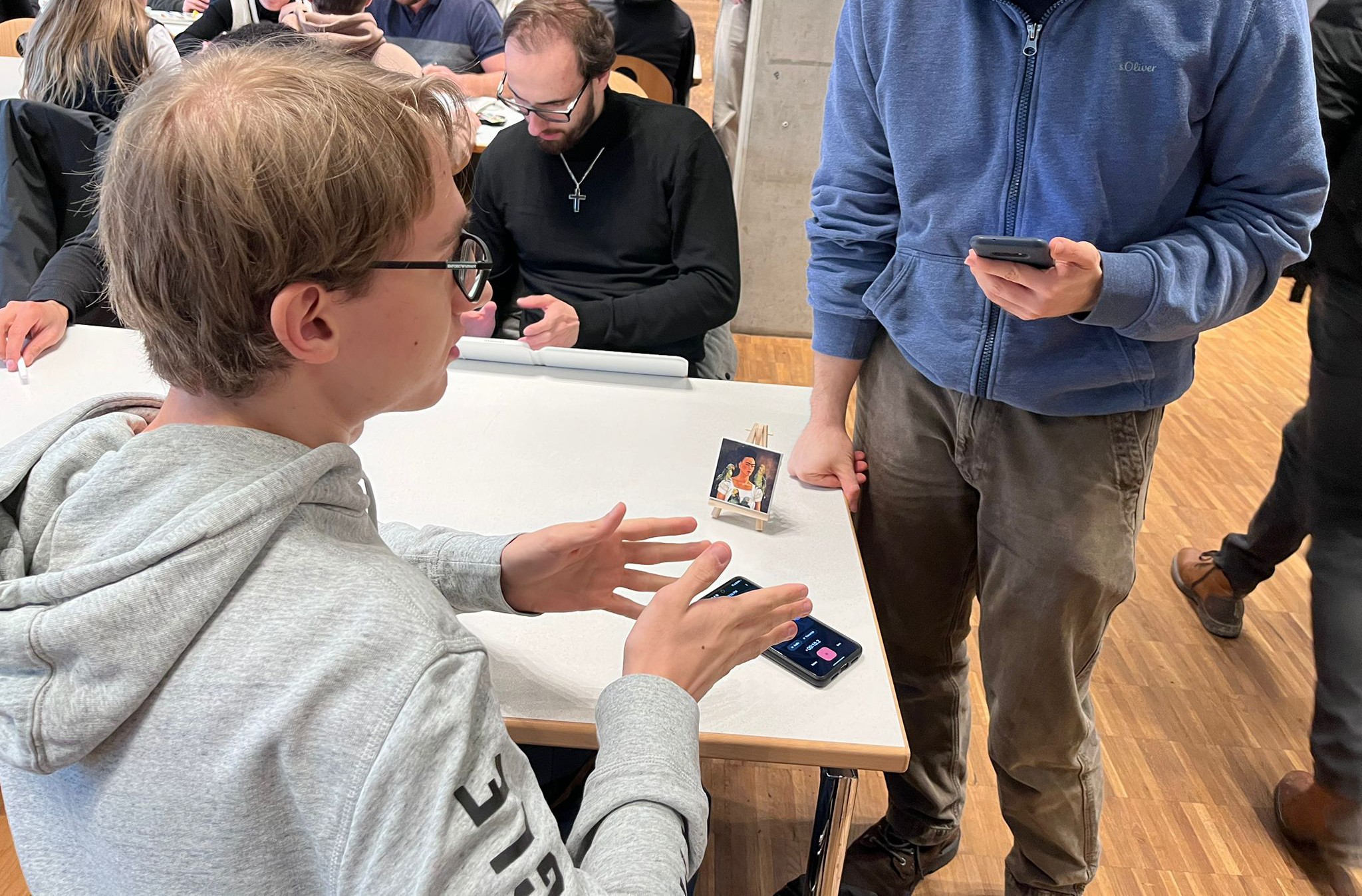
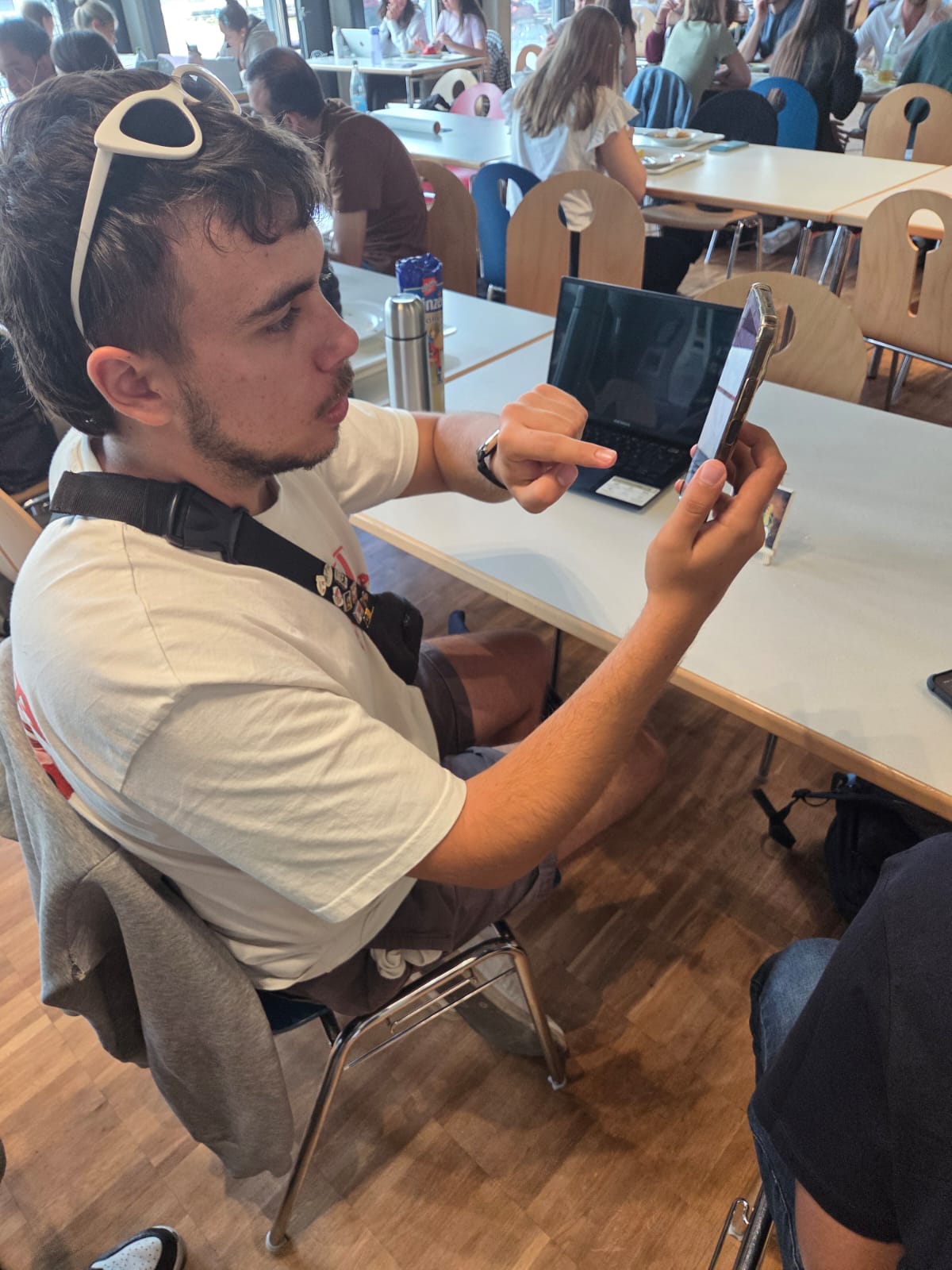
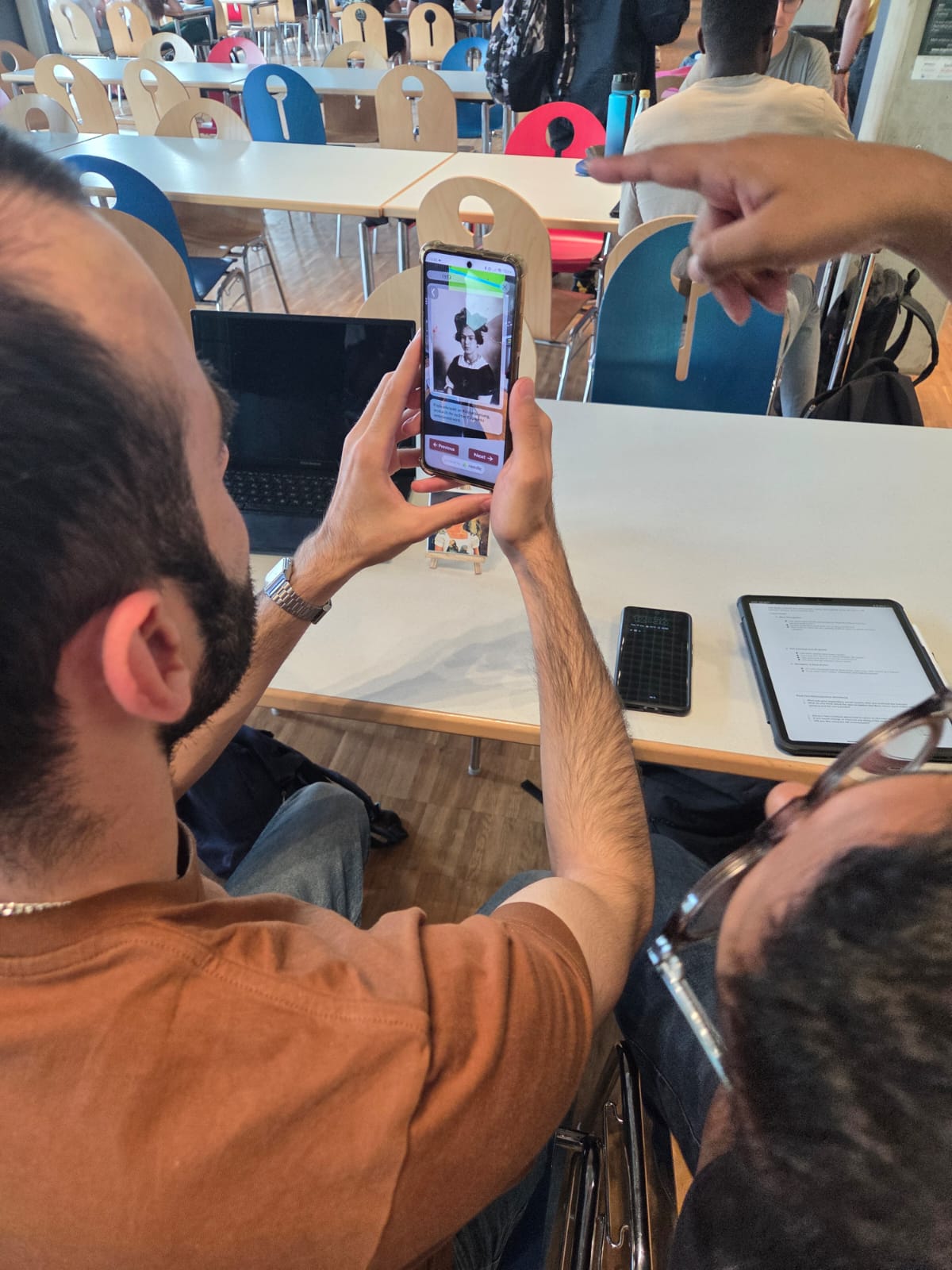
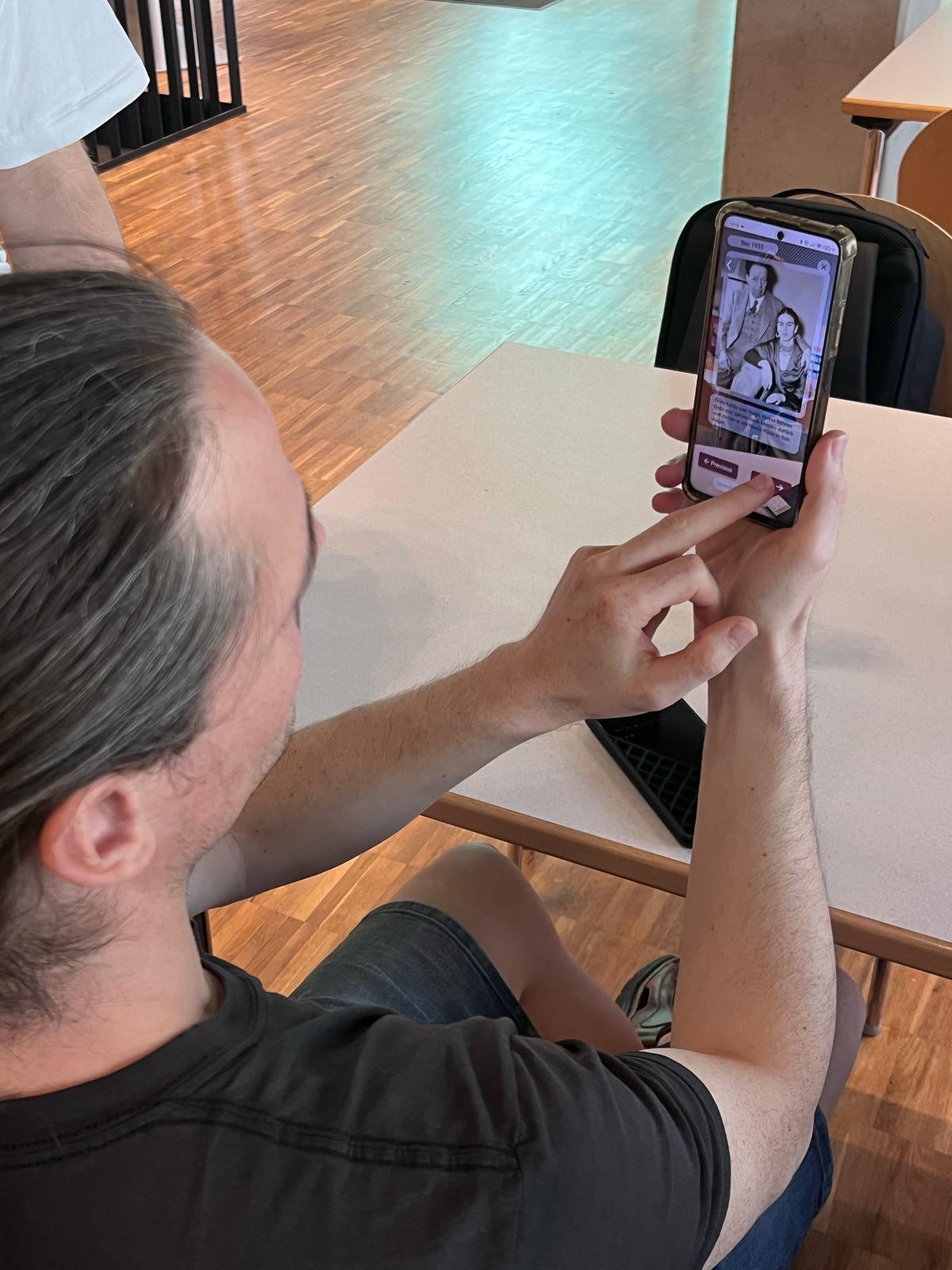
We conducted the third user test using a functional AR application. The primary objectives were to evaluate the usability of menu items, AR painting gallery, and life story panels, as well as to assess users’ comprehension of the app’s navigation flow and interaction with clickable elements.

We conducted a undirected test with 4 user. During the test sessions we observed user behaviour and took notes. After the test we did a retrospective session to understand user perspective about the app.

Test Results

Menu Navigation:

Menu Navigation:

Menu Navigation:

"Wall Placement" button clicked first due to central placement; left/right buttons often missed (off-screen during close-up scanning).

Painting Gallery:

Painting Gallery:

Painting Gallery:

Symmetrical layout caused initial confusion, users swapped phone screen to choose direction.

Life Story Panels:

Life Story Panels:

Life Story Panels:

  • Users were captivated by the immersive experience but initially struggled to navigate through story panels, often overlooking "Back/Forward" buttons.

  • Text was frequently ignored due to language barriers (e.g., non-German speakers) or the high-pressure testing environment.

Back Button:

Back Button:

Back Button:

Generally clear, but transparency reduced visibility for some.
Future plans for Improvement

  • Bordered or colored buttons with less transparency for better visibility.

  • Implement the net like life-story timeline panels as planned, to provide efficient navigation for the users.

  • Fix wall placement feature bugs.

  • Augmented Reality immersive digital and physical world merge enhances engagement, but clear onboarding is needed for inexperienced users.

Product development Timeline

Create a free website with Framer, the website builder loved by startups, designers and agencies.